


[Laser Engraving Application] xTool D1 All-Steel New Machine: A Sneak Peek at Its Four Key Features!
Open-plan laser engraving work area! All-steel high frame, latest xTool laser cutting/engraving machine , laser light shield for eye protection, emergency stop safety sensor – suitable for children, students, designers, and businesses! A processing material comparison table is provided at the end of the article. Four key features to preview:
All-steel structure, simple and quick assembly.
The xTool D1 laser cutting/engraving machine has a simple structure, mainly consisting of four shafts. It can be assembled by oneself with screws and cables in about 30 minutes. As an assembly-type machine, the process is relatively simple and quick, and users can operate it themselves. In addition, the D1 uses an all-steel body (the working area is as high as 432x406mm, and the maximum height is 50mm), which makes it sturdy and durable.
The xTool D1 boasts a high-speed laser engraving speed of up to 10,000 mm/min. During operation, the crossbar and wheels are used extensively. The upgrade system equipped on the D1 can help extend the machine's average lifespan.
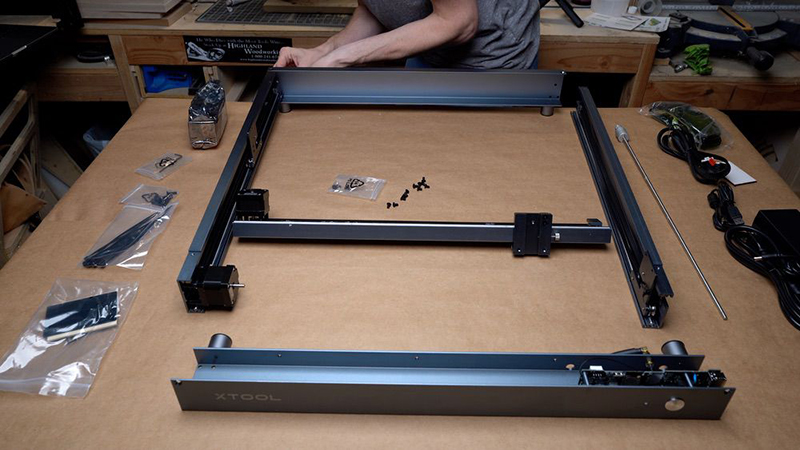
• Higher machine frame: Allows for processing larger and thicker materials.
The D1's overall structure is a raised frame, which allows materials to be placed in the work area beyond the carving area. Because the work area is an open space, it can handle thicker materials.
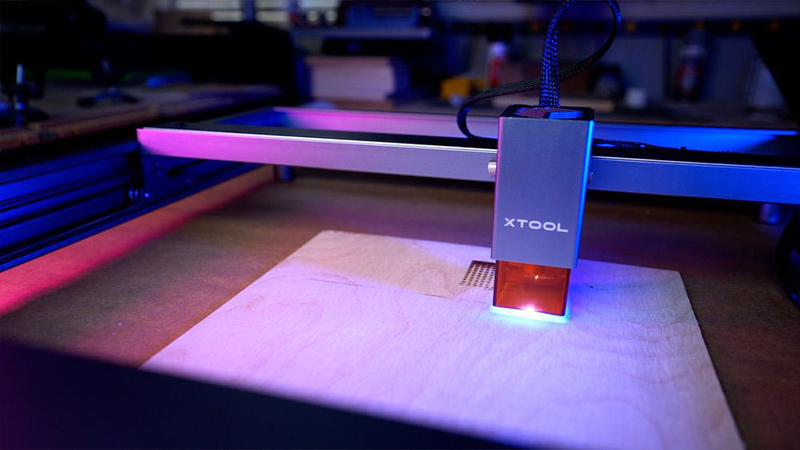
Laser light shield, providing complete protection for both eyes.
The xTool D1 uses a tiny 0.08 mm x 0.08 mm laser dot, offering extremely high precision. However, the diodes are purple, which can cause eye damage when the laser beam is emitted. Thoughtful design: the laser engraving module is equipped with a colored plastic cover to help protect the eyes of every user from direct exposure to the beam.
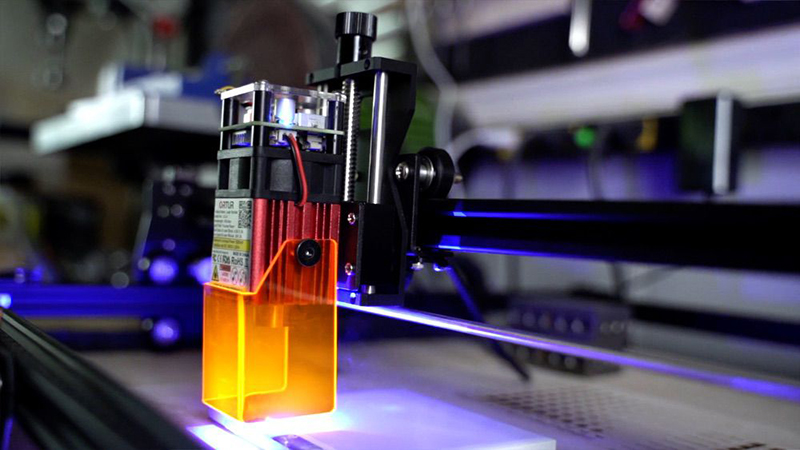
The machine's chip contains an emergency stop button and a motion sensor. If the machine moves due to external forces, the system will automatically detect and terminate the laser beam, allowing children, students, designers, and businesses to use the machine in a safe environment.
Intuitive software, easy to use
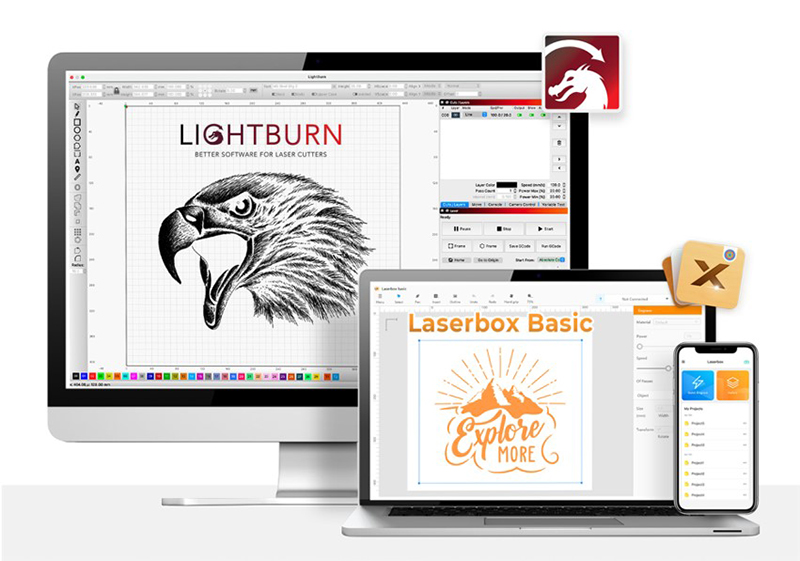
The dedicated software Laserbox Basic can be used on computers (Windows / macOS / Android / iOS), and an additional APP allows you to control the xTool D1 via your mobile phone, edit images, text, and engrave QR codes to meet various customization needs.
xTool D1 Processing Material List
| Material | Sculpting (5W/10W) | Cutting (5W) | Cutting (10W) |
| Kraft paper | V | V | V |
| corrugated paper | V | V | V |
| cardboard | V | V | V |
| wood | V | V | V |
| bamboo | V | V | V |
| felt | V | V | V |
| leather | V | V | V |
| fabric | V | V | V |
| Dark acrylic | V | V | V |
| bricks | V | X | X |
| Stainless steel | V | X | X |
| plastic | V | V | V |
| Medium density fiberboard | V | V | V |
| Dark glass | V | X | X |
| ceramics | V | X | X |
| Jade | V | X | X |
| marble | V | X | X |
| shale | V | X | X |
| cement | V | X | X |
| Electroplated metal | V | X | X |
| Painted Metal | V | X | X |
Did you enjoy this sharing? We've previously shared various application tests, including laser engraving/cutting ( click here: Snapmaker A350 assembly and operation, video tutorial in Chinese! ) and metal marking application tests ( click here: Wisely three-color logo metal engraving, software parameter video tutorial! ). 3DMark offers more than just 3D printing ; contact us now to learn more about the xTool laser engraving machine .
Follow our fan page to stay up-to-date with the latest news: https://www.facebook.com/3dmart.com.tw/