


[Unboxing Tutorial] SUNLU 3D Printing Cable Moisture-Proof Box: One-Click Humidity Control!
High Humidity! How to Store 3D Printing Cables ? Taiwan's average humidity is above 70% RH. If 3D printing cables are placed in a room temperature environment, they will absorb moisture from the air. If used directly on a 3D printer in humid conditions, the printed surface may have a rough, grainy texture, and it may even damage the printhead. The " SUNLU FilaDryer S1 3D Printing Cable Moisture-Proof Box " is lightweight and space-saving, with one-button humidity setting and super simple operation. See the tutorial below:
one, Contents include
2. Power cord
two, Usage steps
1. Open the box and take out
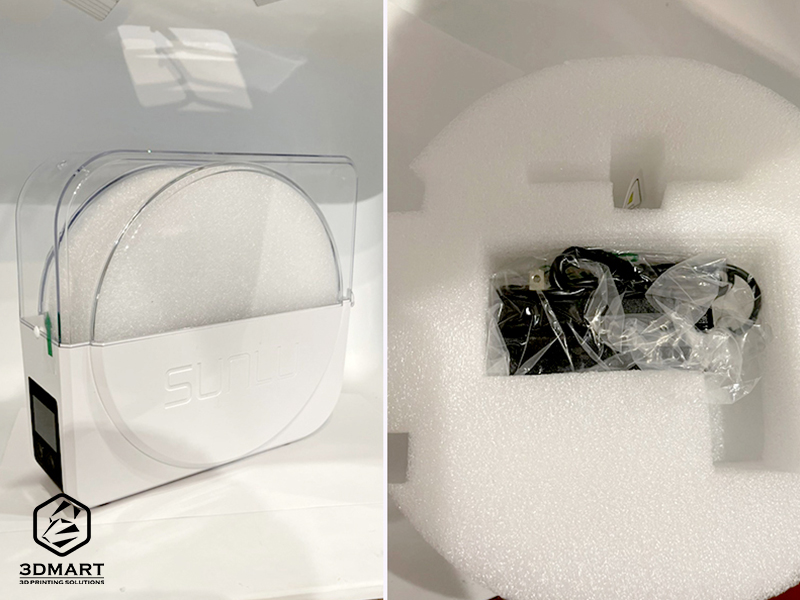
Remove the SUNLU FilaDryer S1 from the outer box, open the outer cover, and remove the internal foam (the power supply is inside the foam).
2. Plug in the power supply
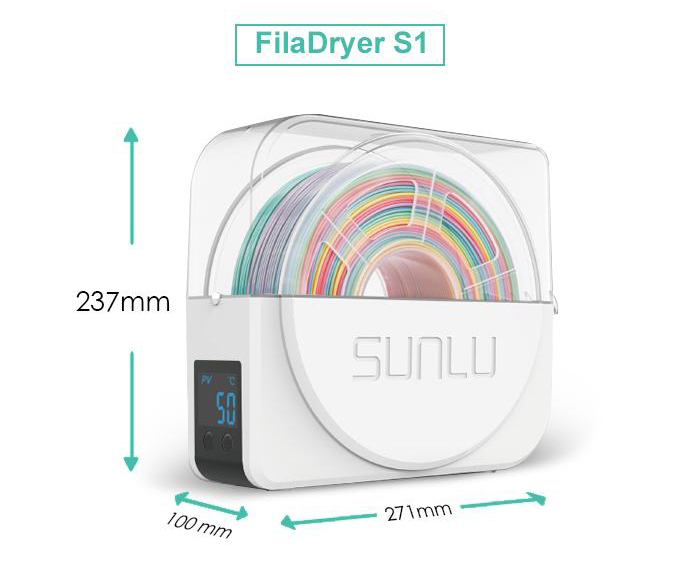
3. Insert the 3D printing filament.
The SUNLU FilaDryer S1 has an internal space of approximately 80 x 210 x 270 mm and can hold one large roll of cable (approximately 750g) or two small rolls of cable (approximately 350g).
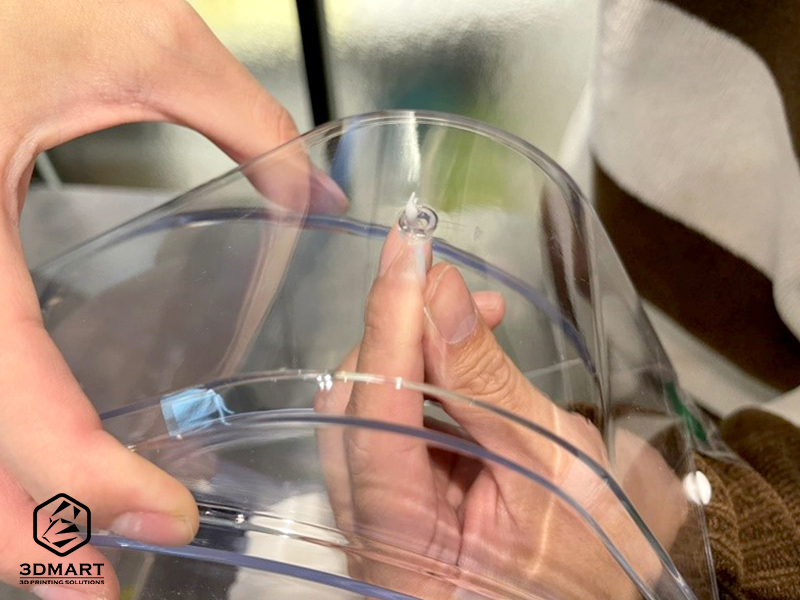
4. Thread the 3D printing head out.
The SUNLU FilaDryer S1 moisture-proof box has two cable outlet holes on the outer cover. The cable can be threaded through the holes (if there is no need for 3D printing at the moment, it can be placed inside the box).
5. Temperature setting
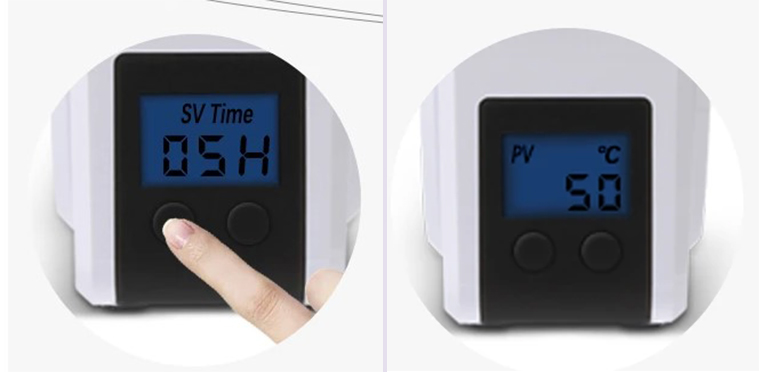
The humidity inside the dehumidifier box is mainly adjusted and set using the left/right buttons and digital display. After setting the temperature, pressing and holding the left button will bring up the time setting.
Left button (increase temperature)
The button on the right (reduce temperature)
6. Connect to the 3D printer
Using the Prusa 3D printer as an example, when the 3D printing filament reaches the specified humidity, remove the filament from the interface in the SUNLU FilaDryer S1 moisture-proof box and connect it directly to the 3D printer to ensure the material is in optimal condition for 3D printing . When starting 3D printing , keep the SUNLU FilaDryer S1 system running continuously to maintain the moisture-proof function of the 3D printing filament .
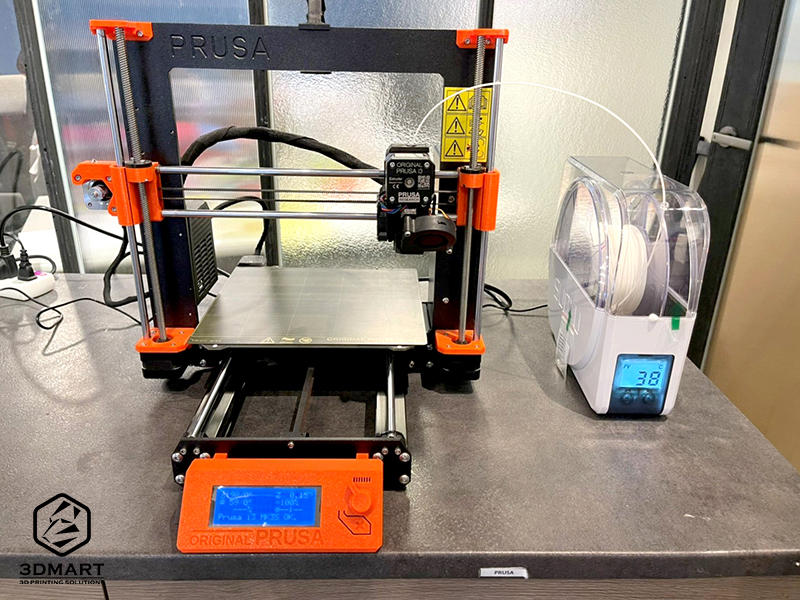
7. Dehumidification complete.
The FilaDryer S1 desiccant box includes a hygrometer that displays the current status of the 3D printing cables , allowing users to monitor the 3D printing process at any time and improve overall workflow stability.
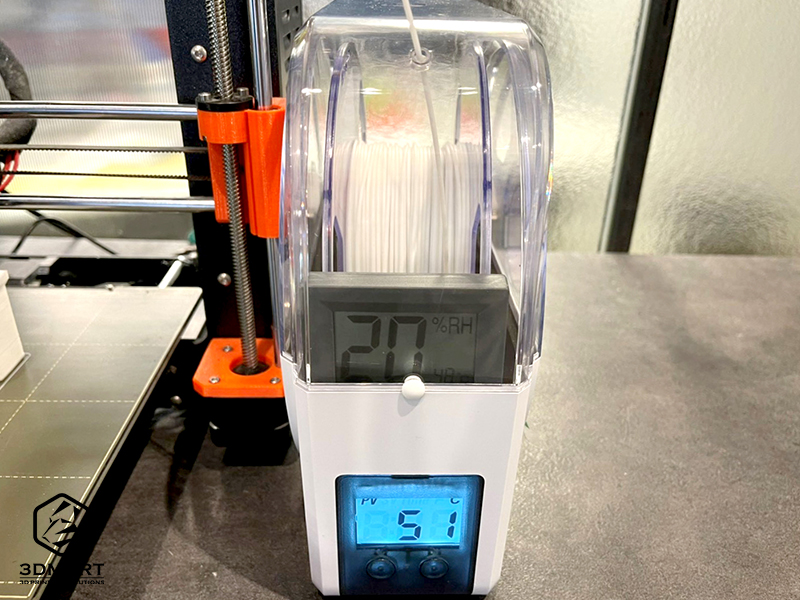
(The following table can be used as a reference for humidity settings)
Heating Temperature/Time Reference Table
| wire | PLA/ Carbon Fiber | wood | PVB | ABS | HIPS | PC | PVA | ASA | PETG | TPU |
| Temperature (°C) | 45-50℃ | 50-55℃ | 48-52℃ | |||||||
| time | 3-6 hours | |||||||||
Did you enjoy this sharing? As long as the 3D printing filaments are kept dry and in stable condition, achieving beautiful and smooth printed products is actually super simple ( click to see: a complete collection of 8 technical samples, see the effects and characteristics all at once! ). We offer more than just 3D printing . Contact us now to learn more about 3D printers , 3D printing filaments , and filament moisture-proof boxes (containers) .
Follow our fan page to stay up-to-date with the latest news: https://www.facebook.com/3dmart.com.tw/
https://www.instagram.com/3dmart/