


[3D Scan Comparison] Peel 3D and SHINING 3D Scan: Original Color and Texture of Sneakers!
3D scanning of sneaker textures with high-precision original color effects! Peel 3D vs SHINING 3D scanner , which one will you choose? A complete record of 3D scanning real-world testing, including calibration tutorials, machine usage, and effect comparisons. Watch the full video now!
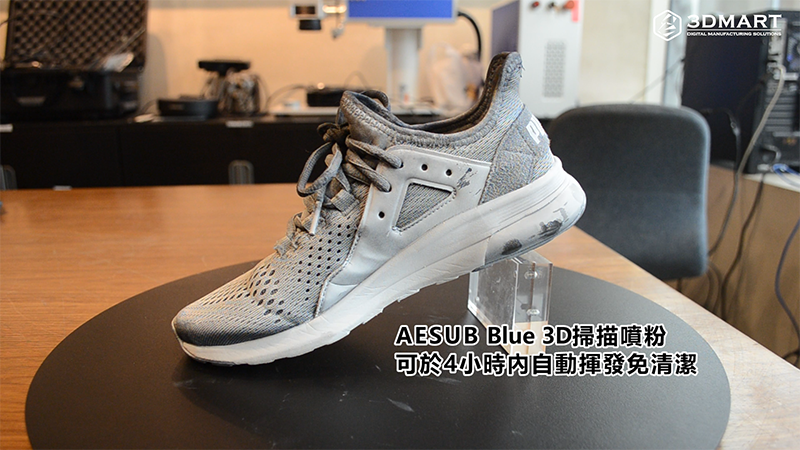
When scanning objects made of black, reflective, or transparent materials, 3D scanning powder can assist in image formation. AESUB Blue automatically evaporates scanning powder, which is evenly sprayed onto the surface of the object being scanned. AESUB Blue 3D scanning powder disappears automatically within 4 hours, requiring no cleaning. ( Click to see: AESUB automatically evaporates, no cleaning required? No material limitations! )
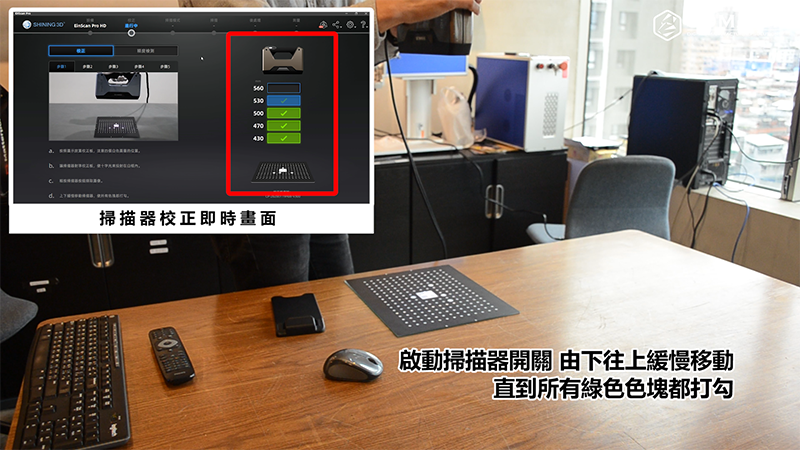
one, Calibration steps
Following the steps in the SHINING 3D scanning software, align the calibration plate and perform calibration. Turn on the scanner and slowly move it from bottom to top until all green blocks are checked. Use the special stand to elevate the calibration plate and continue calibration as instructed in the software.
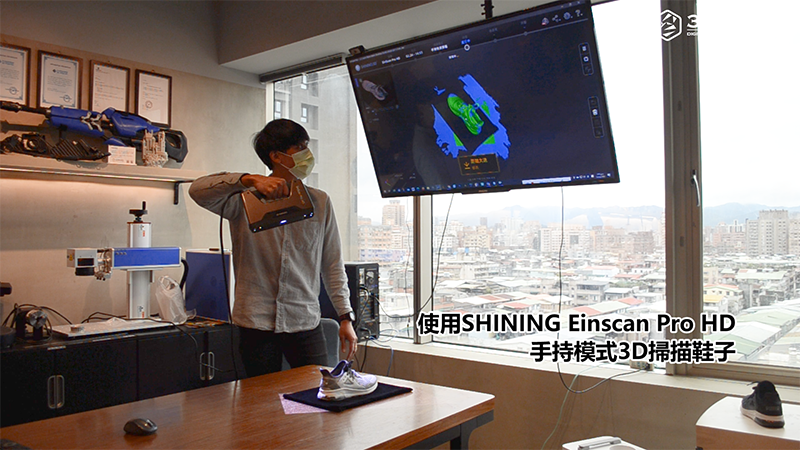
two, Scanning process
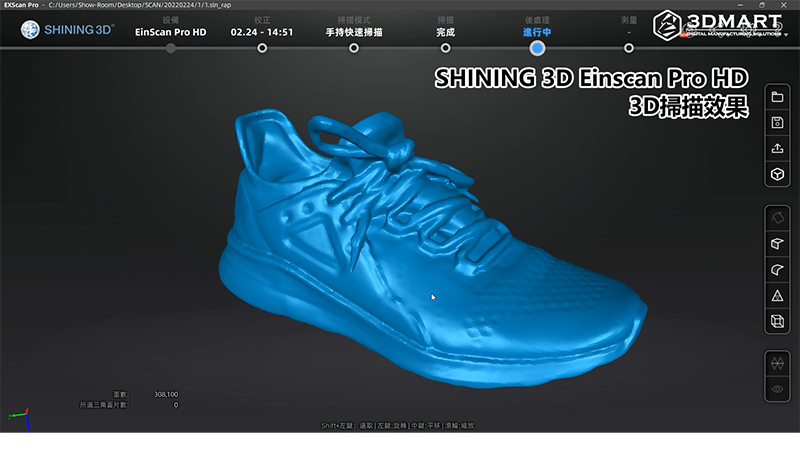
Using the SHINING Einscan Pro HD handheld 3D scanner to scan shoe textures, after scanning, you can select and delete unnecessary objects with the mouse, keeping only the complete scanned objects, and then encapsulate the model; the total scanning time with the SHINING HD is 5 minutes. ( Click to see: EinScan Pro HD Unboxing and Review: Full-Color Detail Ultra-High Definition! )
Peel 2 CAD-S 3D Scanner
one, Calibration steps
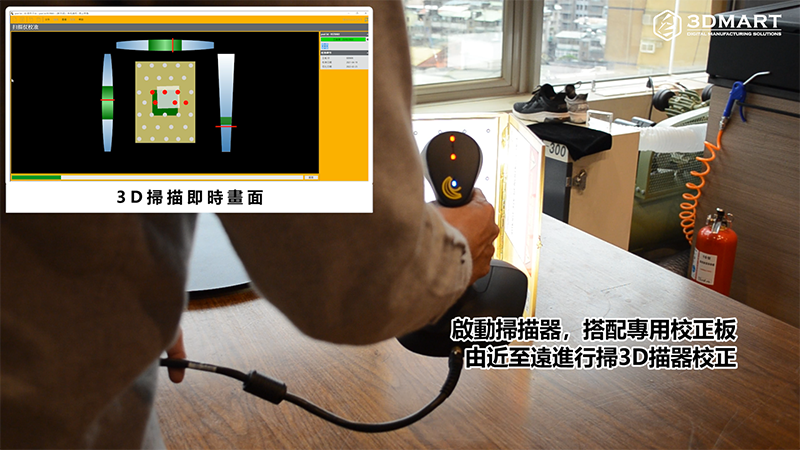
Following the instructions in the Peel 3d software and using the dedicated calibration plate, perform 3D scanning calibration from near to far. The calibration process is simple and quick. ( Click here to see: Peel 3d's precision reaches new heights, complete tutorial on the device and software! )
two, Scanning process
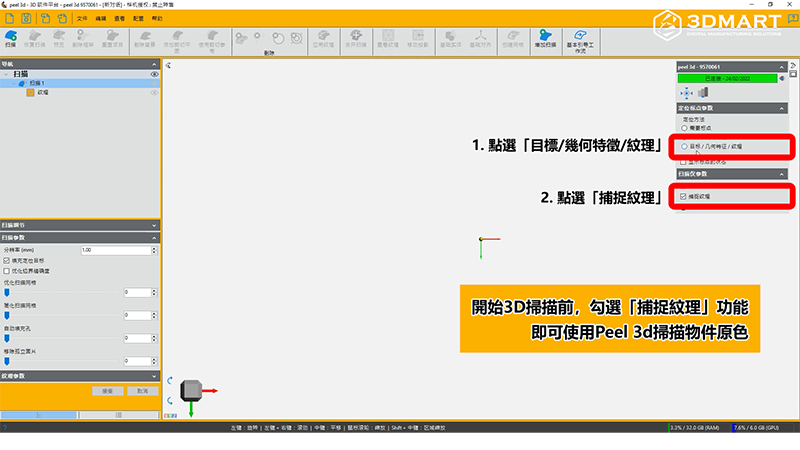
Before starting 3D scanning, in the Peel 3d scanning software, select "Target/Geometric Features/Texture" and then "Capture Texture" to use the original color of the object scanned by Peel 2 CAD-S 3D .
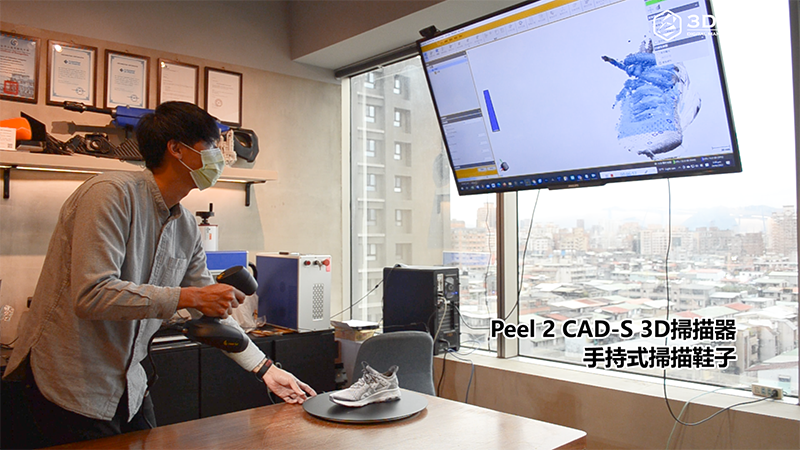
Peel 3D scanning of shoe textures can be aided by a dedicated turntable that allows you to rotate the dial according to your scanning needs and adjust the placement of objects for a more complete scan of every detail. The total scanning time for Peel 3D is 20 minutes.
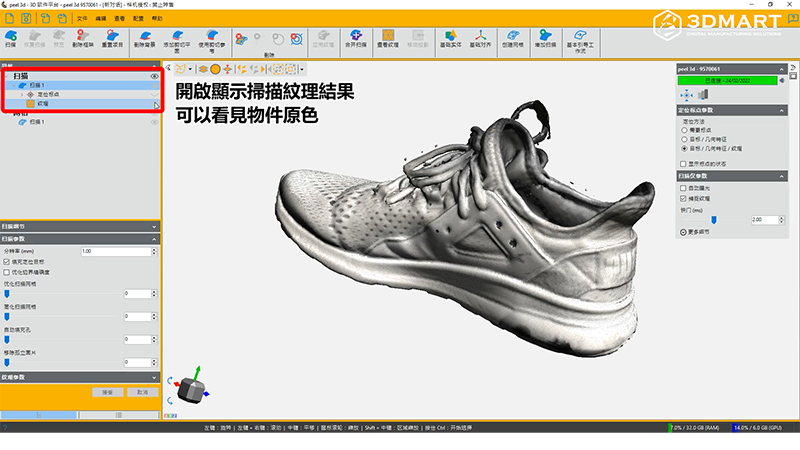
After completing the 3D scan , turn on the "Scan Texture" display to see the original color of the object; turn on "Mesh" to display the scan mesh results.
Which 3D scanner do you choose for shoe texture scanning ? 3D printers offer more than just 3D printing . Contact us now to learn more about the SHINING series 3D scanners and the Peel 3d series 3D scanners .
Follow our fan page to stay up-to-date with the latest news: https://www.facebook.com/3dmart.com.tw/