


1
of
3
Loading...
Phrozen | Product Model:
Phrozen LCD Screen Protector
Regular price
¥1,800 JPY
Unit price
/
Unavailable
Subtotal
—
Phrozen LCD Screen Protector - is backordered and will ship as soon as it is back in stock.
Choose add-on
Couldn't load pickup availability

Phrozen LCD Screen Protector
Regular price
¥1,800 JPY
Unit price
/
Unavailable
Phrozen LCD Screen Protector
Phrozen LCD screen protectors are made of durable, high-transmittance material, protecting your LCD screen from the risk of resin spillage without affecting printing, providing perfect protection for your LCD screen.
• Easy to use: Makes your LCD screen installation process smoother and makes it easy to start printing.
• Protect the LCD - The last line of defense to ensure the LCD's continued operation should resin leak accidentally.
• Super durable - Made with high-quality, durable materials.
Complete Installation - Detailed Packaging : The product includes an installation kit containing wet wipes, a squeegee, a dust cloth, a set of instruction stickers, and a screen cleaning cloth.
• Perfect light transmission - LCD light can pass through the screen protector perfectly without affecting printing.
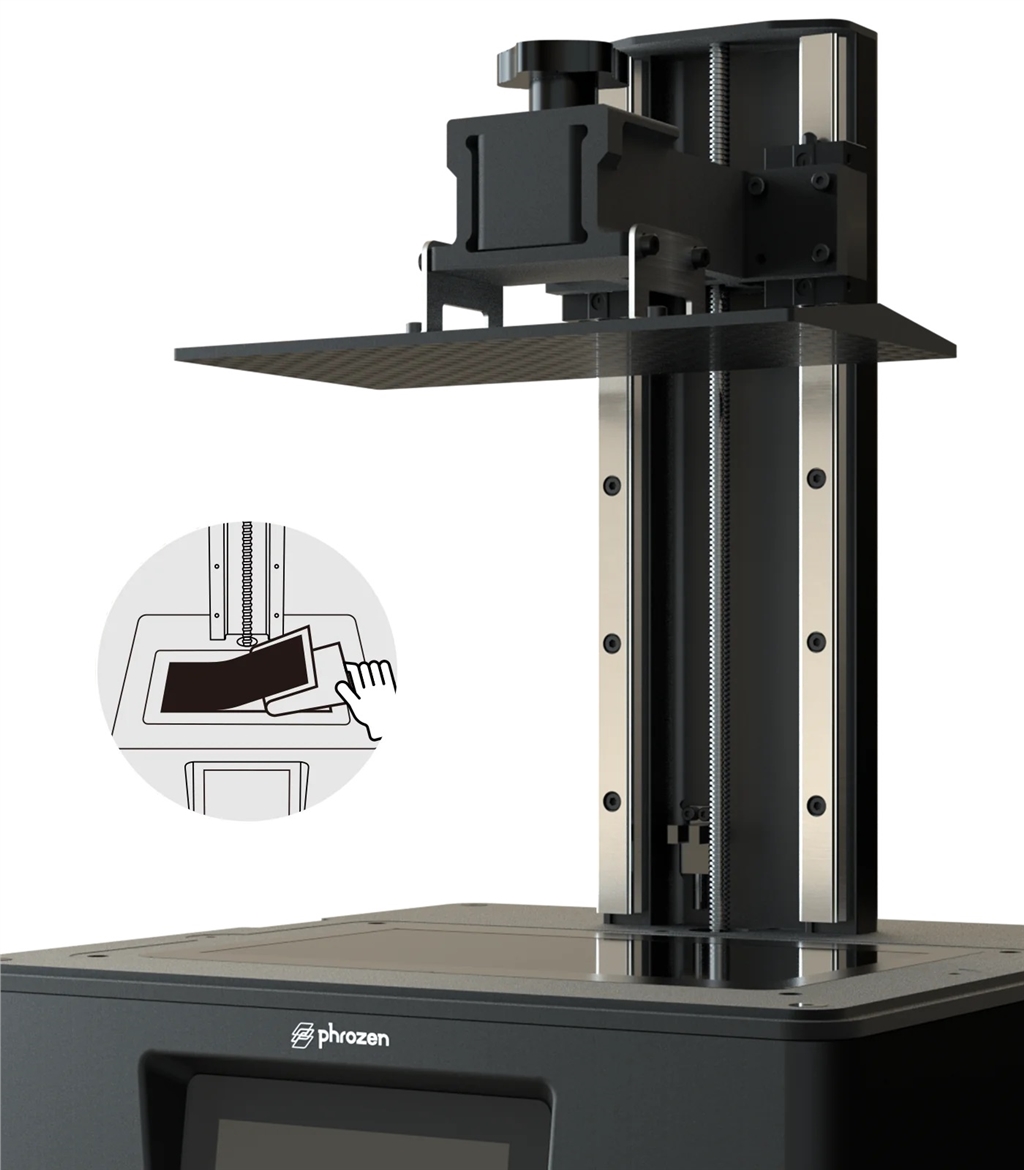
Phrozen LCD screen protectors are made of durable, high-transmittance material, protecting your LCD screen from the risk of resin spillage without affecting printing, providing perfect protection for your LCD screen.
• Easy to use: Makes your LCD screen installation process smoother and makes it easy to start printing.
• Protect the LCD - The last line of defense to ensure the LCD's continued operation should resin leak accidentally.
• Super durable - Made with high-quality, durable materials.
Complete Installation - Detailed Packaging : The product includes an installation kit containing wet wipes, a squeegee, a dust cloth, a set of instruction stickers, and a screen cleaning cloth.
• Perfect light transmission - LCD light can pass through the screen protector perfectly without affecting printing.
Installation Guide
1. First, clean the screen with a damp paper towel, then wipe the screen dry with a dust cloth.
2. Use dust removal stickers to clean away fine dust.
3. Remove the outer plastic film.
4. Align with one side of the LCD screen.
5. Gently push the protective film with the scratch card to ensure no bubbles.
6. Remove the top plastic film to complete the installation.
Notice
Please follow the installation instructions for installation.
Small air bubbles will not affect printing.
• After removing the plastic film during installation, dust may stick to the protective film. Please install the protective film only on a small area.
After installation , please be sure to re-perform the Z-axis calibration.
Please install in a clean environment.
1. First, clean the screen with a damp paper towel, then wipe the screen dry with a dust cloth.
2. Use dust removal stickers to clean away fine dust.
3. Remove the outer plastic film.
4. Align with one side of the LCD screen.
5. Gently push the protective film with the scratch card to ensure no bubbles.
6. Remove the top plastic film to complete the installation.
Notice
Please follow the installation instructions for installation.
Small air bubbles will not affect printing.
• After removing the plastic film during installation, dust may stick to the protective film. Please install the protective film only on a small area.
After installation , please be sure to re-perform the Z-axis calibration.
Please install in a clean environment.
10.1" (Compatible with Sonic Mighty Revo)
10" (Suitable for Mighty 8K)
| Specification | 223 mm (length) x 126 mm (width) |
| color | transparent |
| Material | PET |
| Applicable machines | Sonic Mighty Revo |
| Packaging contents | LCD screen protector x1, squeegee x1, dust cleaning cloth x1, auxiliary stickers and dust removal sticker set x1 |
10" (Suitable for Mighty 8K)
| Specification | 215 mm (length) x 121 mm (width) |
| color | transparent |
| Material | PET |
| Applicable machines | Sonic Mighty 8K |
| Packaging contents | LCD screen protector x1, squeegee x1, dust cleaning cloth x1, auxiliary stickers and dust removal sticker set x1 |