


1
of
5
Loading...
3Dconnexion | Product Model:
CN0007
SpaceMouse Pro Wireless Upgraded 3D Wireless Mouse - Bluetooth Version
Regular price
¥74,500 JPY
Unit price
/
Unavailable
Subtotal
—
SpaceMouse Pro Wireless Upgraded 3D Wireless Mouse - Bluetooth Version is backordered and will ship as soon as it is back in stock.
Choose add-on
Couldn't load pickup availability

SpaceMouse Pro Wireless Upgraded 3D Wireless Mouse - Bluetooth Version
Regular price
¥74,500 JPY
Unit price
/
Unavailable
SpaceMouse Pro Wireless Upgraded 3D Wireless Mouse - Bluetooth Version
The best choice for mobile work
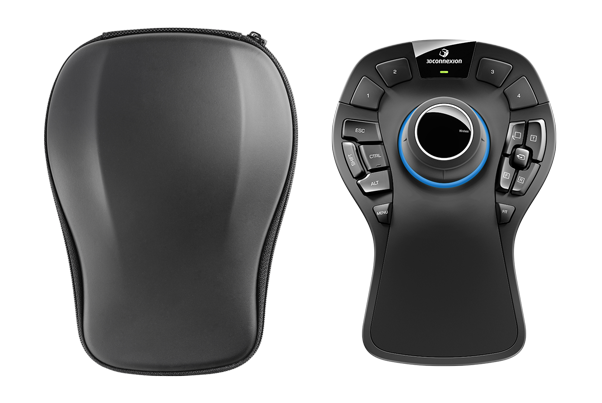
With mobile work becoming increasingly common, the SpaceMouse Pro Wireless 3D wireless mouse, featuring the powerful capabilities of the SpaceMouse Pro, is specifically designed for engineers, architects, or designers who work on the go. The SpaceMouse Pro Wireless comes with a small universal receiver, USB hub, and a stylish, portable case for easy portability.
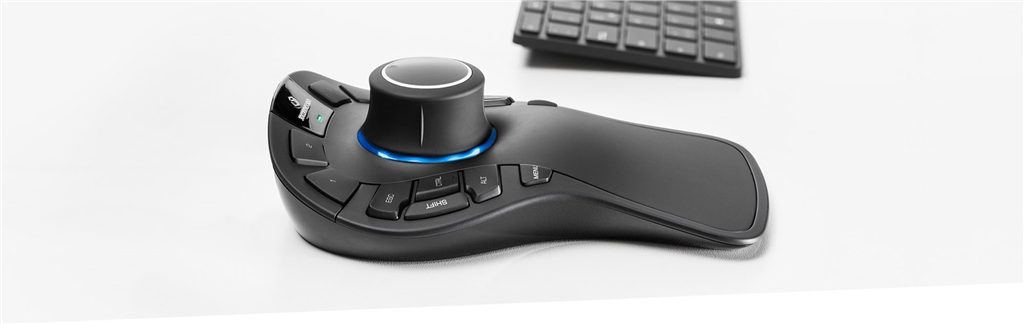
Industry-leading six-degrees-of-freedom (6DoF) sensor
SpaceMouse Pro Wireless supports all the industry's advanced CAD and 3D applications .
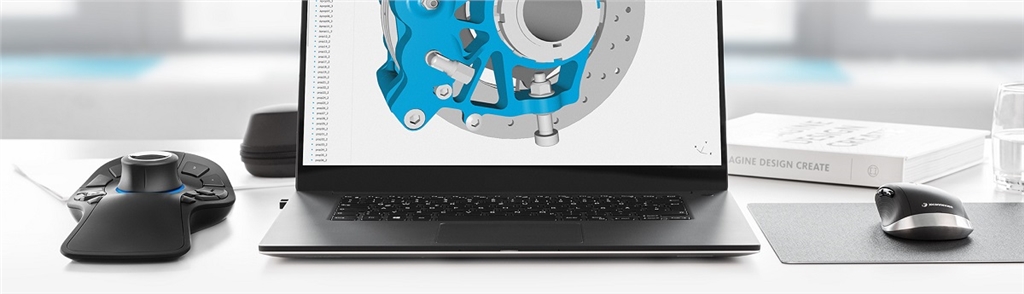
3Dconnexion's patented six-degrees-of-freedom (6DoF) sensors are specifically designed for controlling digital content and camera view positioning in industry-leading 3D CAD applications. With gentle pushes, pulls, twists, or tilts, the 3Dconnexion controller intuitively pans, zooms, and rotates 3D models. This allows your other hand to easily select, create, and edit models using a standard mouse simultaneously.
Wireless Freedom
The SpaceMouse Pro Wireless uses 2.4 Hz wireless technology to connect your 3D content in real time. With 3Dconnexion's Universal Receiver, CAD professionals can achieve the same reliability and responsiveness as wired products.
 |
 |
 |
| 2.4 GHz | Rechargeable | 2 months |
The SpaceMouse Pro Wireless can last up to two months before needing a recharge, and comes with a stylish carrying case for convenient use anytime, anywhere.
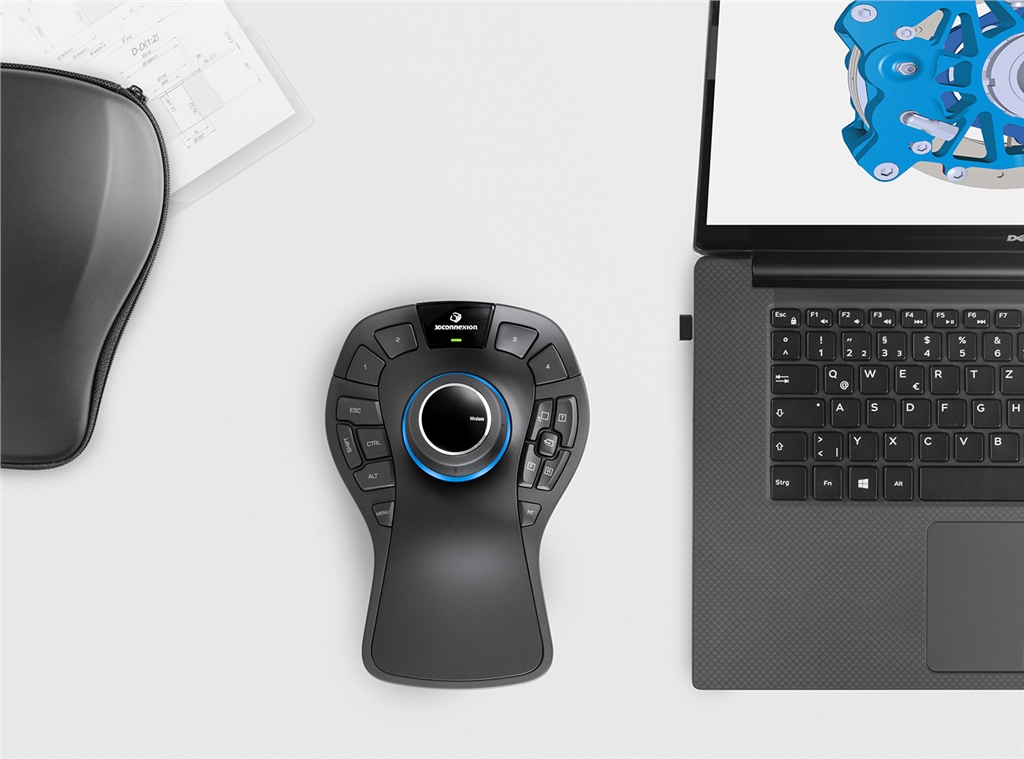
Ergonomic design
• Use both hands <br>Use a 3D mouse with your left hand and a traditional mouse with your right hand—this helps prevent these symptoms while making your CAD workflow more efficient and healthier. Improving your CAD workstation efficiency is crucial. Repeatedly using the mouse in the same motions can lead to pain and functional impairment, also known as RSI syndrome or "mouse arm."

Professional performance within easy reach
SpaceMouse Pro Wireless automatically recognizes your application environment and assigns appropriate commands to four large, tactile smart function keys, allowing you to work in a smarter way.
The screen display feature shows the commands assigned to the smart function keys on your computer screen, making them easy to remember and helping you stay focused.
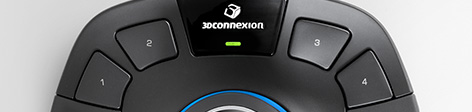
Excellent ergonomic design allows you to comfortably modify your designs .
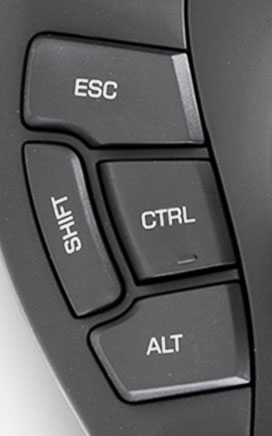
The SpaceMouse Pro Wireless keyboard replacement keys give you easy access to Control, Shift, Alt, and Esc functions.
Your hands don't need to move back and forth on the keyboard, making it more time-saving and efficient.
Your hands don't need to move back and forth on the keyboard, making it more time-saving and efficient.
The full-size soft-coated wrist rest allows for maximum comfort in a natural posture and easy control of the 3D Connexion controller.
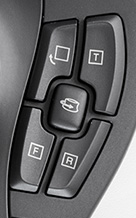
The QuickView button lets you control every angle with one hand .
SpaceMouse Pro Wireless QuickView Keys offer 12 easily accessible viewing angles.
It makes it easier for you to spot errors, explore alternatives, and work more efficiently. The rotation toggle key disables the rotation axis, allowing you to smoothly pan and zoom the view simultaneously in modes such as Sketch.
It makes it easier for you to spot errors, explore alternatives, and work more efficiently. The rotation toggle key disables the rotation axis, allowing you to smoothly pan and zoom the view simultaneously in modes such as Sketch.
3DxWare 10
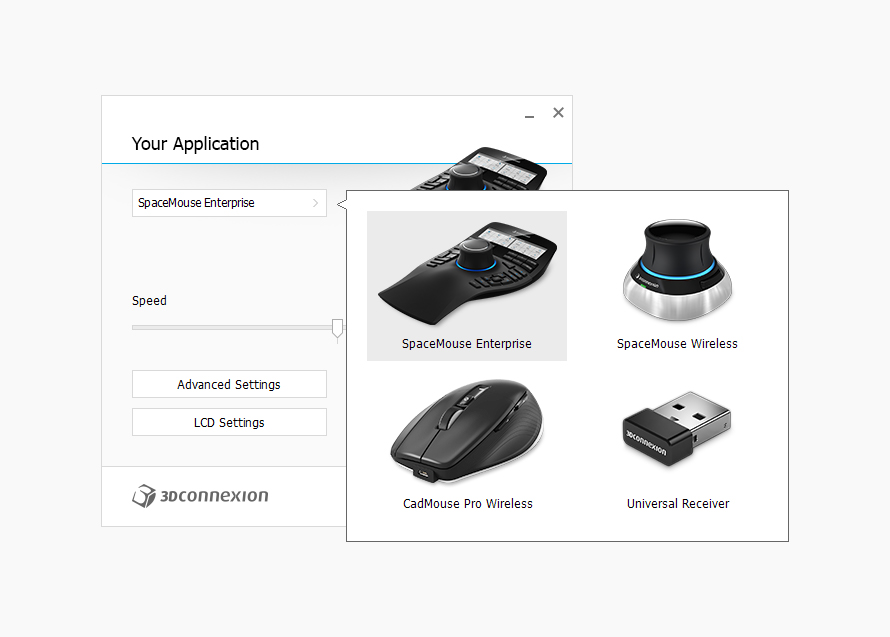
With 3DxWare 10, you can customize and optimize the SpaceMouse Pro Wireless 3D wireless mouse for optimal performance. You can easily assign application commands to individual keys for each application or environment (such as parts, assemblies, drawings) and make other useful settings according to your needs.
Product features:
3Dconnexion® Six Degrees of Freedom (6DoF) Sensor
Both wireless and wired connection methods are available.
4 smart function keys
• Four keyboard shortcuts (Ctrl, Alt, Shift, Esc)
4 quick view keys
Rotary toggle key
Menu and Fit key
Full-size wrist cushion
15 customizable function keys
Screen display function
Click here to download the 3DxWare driver.
The SpaceMouse mouse also provides a stable model control experience, and the model control method is the same in multiple 3D applications. Contact us now to learn more about the SpaceMouse mouse.
| size | Length: 204mm Width: 142mm Height: 58mm |
| weight | 563g |
| Product Warranty | Three-year limited hardware warranty |
| Packaging contents | . 3Dconnexion SpaceMouse Pro Wireless Portable storage case. 3Dconnexion Universal Receiver • Dual-port USB hub • 1.5-meter Micro USB cable • 0.5-meter Micro USB cable |
| Key features | • 3Dconnexion® six degrees of freedom (6DoF) sensor. • Both wireless and wired connectivity. • 4 smart function keys. • 4 keyboard alternative keys (Ctrl, Alt, Shift, Esc) • 4 Quick View Keys • Rotation Switch Keys • Menu and Fit Keys • Full-size Wrist Pad • 15 Customizable Function Keys • Screen Display Function |
| Supported operating systems | Microsoft Windows Apple macOS Linux |
| Product Certification and Registration | CE, FCC (Part 15, Class B), BSMI, RCM, KCC, TELEC, NCC, WEEE, RoHS |
| Wireless and Connectivity | 3Dconnexion® 2.4GHz wireless technology Bluetooth® Low Energy Micro USB cable |
| Battery |
Battery life: Two months (based on 8 hours per day, 5 days per week) 2000 mAh rechargeable lithium-ion polymer battery |