


Geomagic Design X 3D Reverse Engineering Software
Geomagic Design X 3D Reverse Engineering Software is backordered and will ship as soon as it is back in stock.
Choose add-on
Couldn't load pickup availability

Geomagic Design X 3D Reverse Engineering Software
Geomagic Design X 3D Reverse Engineering Software
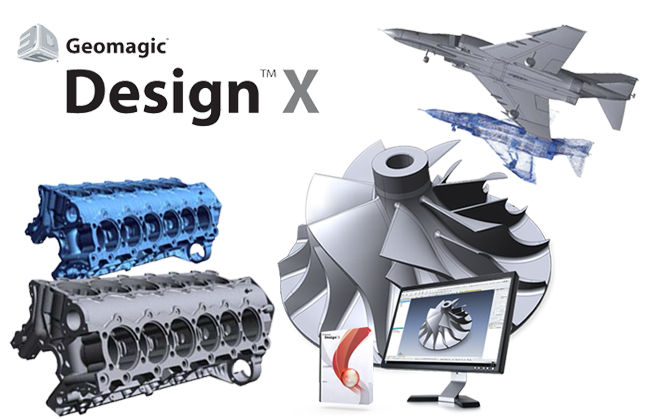
The fastest workflow from 3D scanning to CAD
Software Features:
● Seamlessly integrates with existing CAD digital models
Geomagic Design X seamlessly connects to major CAD software, including SOLIDWORKS®, Siemens NX®, Autodesk Inventor®, and PTC Creo®.
Using its unique LiveTransfer technology, Geomagic Design X can transfer complete digital model data, including feature trees, enabling you to quickly create solids and surfaces from 3D scans; by transferring the data to your design environment, you can edit it just like any other CAD digital model.
● Capability to support complex projects
Geomagic Design X offers a wealth of CAD tools, industry-leading scan data processing technology, and all the tools needed to tackle challenging projects.
It can process over a billion point cloud data points, has a complete set of data processing functions, and allows you to skip the point cloud cleaning stage and immediately start building CAD digital models.
● Powerful and flexible
Geomagic Design X was designed to transform 3D scanned data into high-quality, feature-based CAD digital models. In contrast, other software cannot yet combine solid digital models, advanced surface modeling, mesh editing, and point cloud processing. Now, you can scan physical objects and create production-ready designs.
● Similar to your CAD software
Geomagic Design X is easy to learn and use. In fact, if you have CAD design experience, you can start using Geomagic Design X right away.
It uses a set of modeling tools based on a history tree from mainstream CAD software and can automatically extract features from scanned data.
Workflow:
1. Directly import scanned data
Complete or incomplete scan data can be used
Grid cleaning can be skipped
2. Solid and Patch Modeling
Extracting design intent
Creating CAD Models
Quality is checked through precision analysis.
3. Output to CAD software
You can also convert the design files into your CAD software.
Save in different formats, such as IGES and STEP.
Exporting files from CATIA V4, V5 and AutoCAD
Introducing the film