


A machine that integrates 3D printing, laser cutting and engraving, and CNC machining.
Following on from the previous article, "Snapmaker Artisan Hands-on Review—3D Printing Function ," this article will introduce Artisan 's laser cutting and engraving functions . As in the previous article, the tests were conducted by All3DP and Tom's Hardware . However, this time, we've included a test of the newly released Artisan - Premium (40W laser module) from 3DPrinting.com . Below, we'll explain the results!
Previous Articles
1. 3D printing
2. Unboxing Review
3. CNC Sharp Machine
Installing the laser module is straightforward, but requires careful attention to detail. The module must be securely attached to the machine's tool head mount, and the work surface must be precisely leveled for optimal results. Calibrating the laser focus is crucial for ensuring clean cuts and accurate engraving. This involves adjusting the module's Z-height to focus the beam onto the material surface. Snapmaker provides calibration guidelines in its manual to simplify the process, but patience and precision are still necessary.
The air-assisted pump, connected via a flexible hose, guides airflow across the cutting surface to remove debris and reduce burn marks. The connection is simple, but hose management is crucial to avoid interference during operation. The housing's ventilation system effectively handles fumes, ensuring a safe and clean working environment.
10W Laser Cutting and Engraving Test
The Snapmaker 10W laser module for Artisan combines two 5W laser diodes with a powerful impact, capable of cutting and engraving a variety of materials from walnut wood to cardboard, as well as metals such as copper, tin, and aluminum. It can also engrave glass, stone, leather, fabric, and dark acrylic. Cutting capabilities include wood, leather, fabric, and paper .
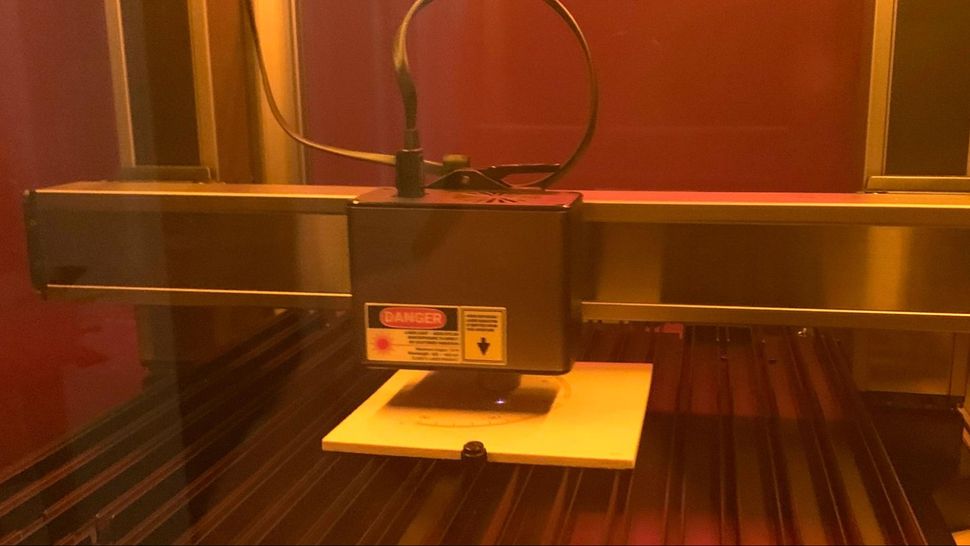
To use the laser tool head, you need to snap it into the provided aluminum mesh construction surface, which has plastic screws for securing the material. Tape can also be used. The Snapmaker Artisan laser has a power of 10 watts and is capable of engraving and cutting thin materials.
The laser mode features some interesting safety features. After installing the laser module, Artisan will ask you to close the housing door and enter a password; the initial password is printed on the bottom of the controller, but you can change it at will. This prevents unauthorized users (possibly children) from operating the laser if Artisan is installed in a home studio. The tool head also comes with a camera to help focus and place the engraving/cutting design as needed on the material. The laser needs to be calibrated each time the laser tool head is installed. To do this, place the provided test block on the build plate, and Artisan will scan it using the camera attached to the tool head.
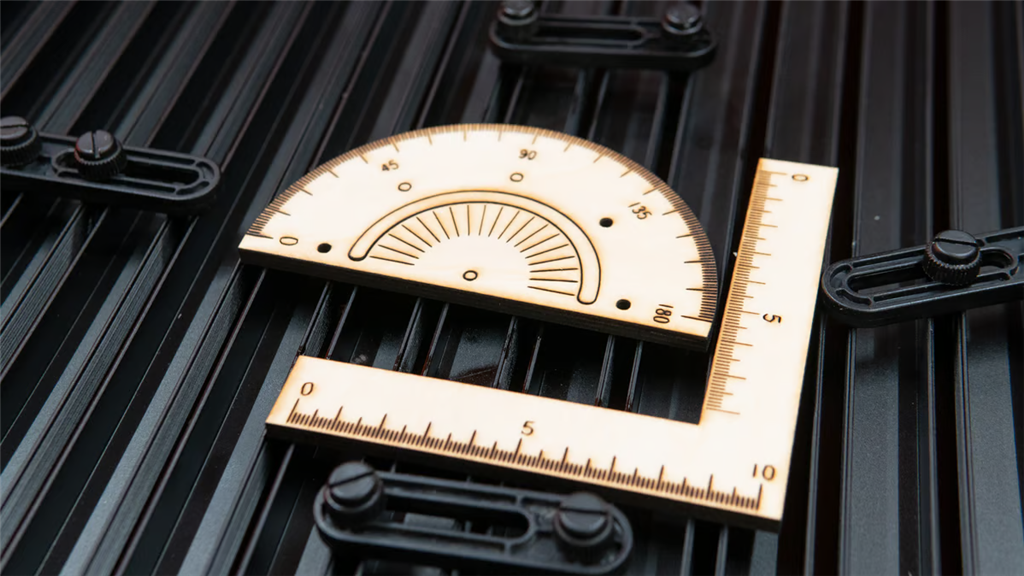
All3DP and Tom's Hardware used the provided test files from Snapmaker —a ruler and a square—and observed inconsistent spacing between the millimeter marks and signs of burning. This isn't a particularly convincing test, but they saw better results in their own laser applications. Of course, setting up the Artisan laser using the included calibration board is certainly more convenient.
Artisan will perform triangulation on the thickness of the test piece and make corresponding adjustments, all of which are fully automated. Next, you will need to use a piece of white paper at least 150 x 150 mm to calibrate the camera. The machine will gently cut a square on the paper to help the laser place the material. This process is very fast , taking only 11 minutes.
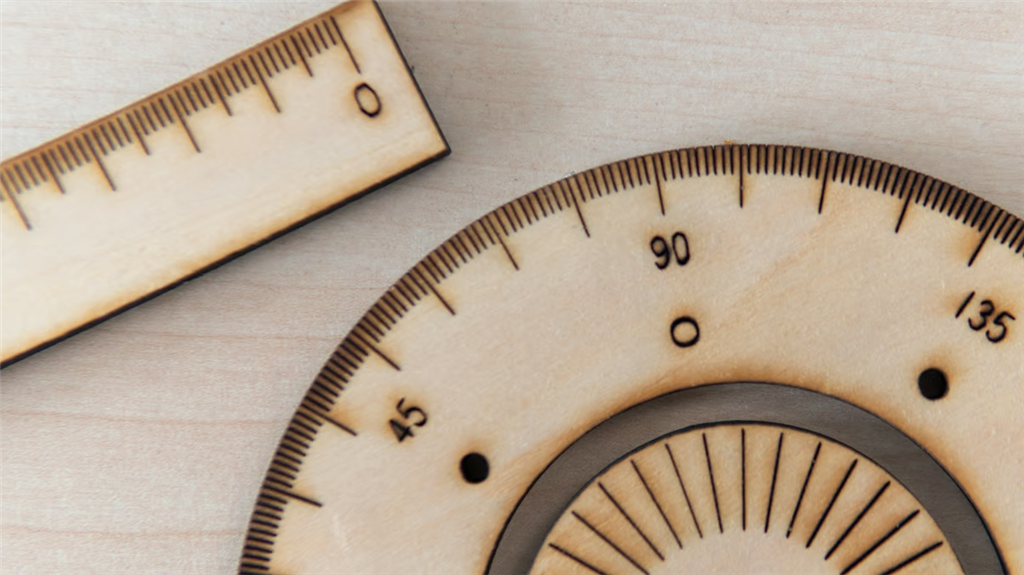
You can also use a multi-functional baseplate to hold materials in place. The camera-assisted mode allows for relatively easy job arrangement, although you need to manually adjust the camera preview position, you can quickly obtain an approximation for work arrangement. Of all the modules, the laser machine is the simplest to use and offers the fastest way to increase productivity. You can select materials from the drop-down menu and quickly configure vector-based toolpaths or more time-consuming bitmap-based relief work.
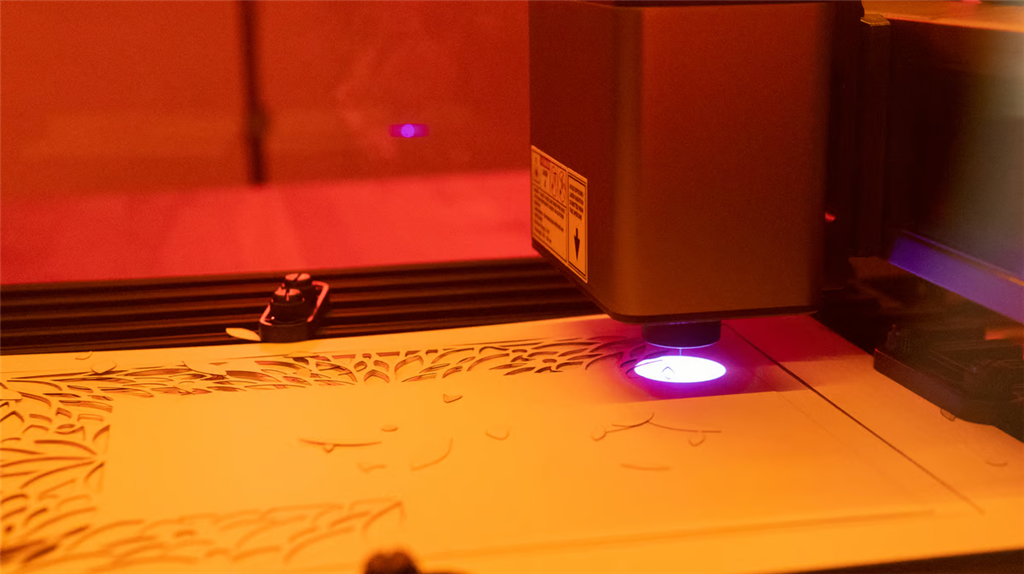
NEW!! Actual test of 40W laser cutting and engraving
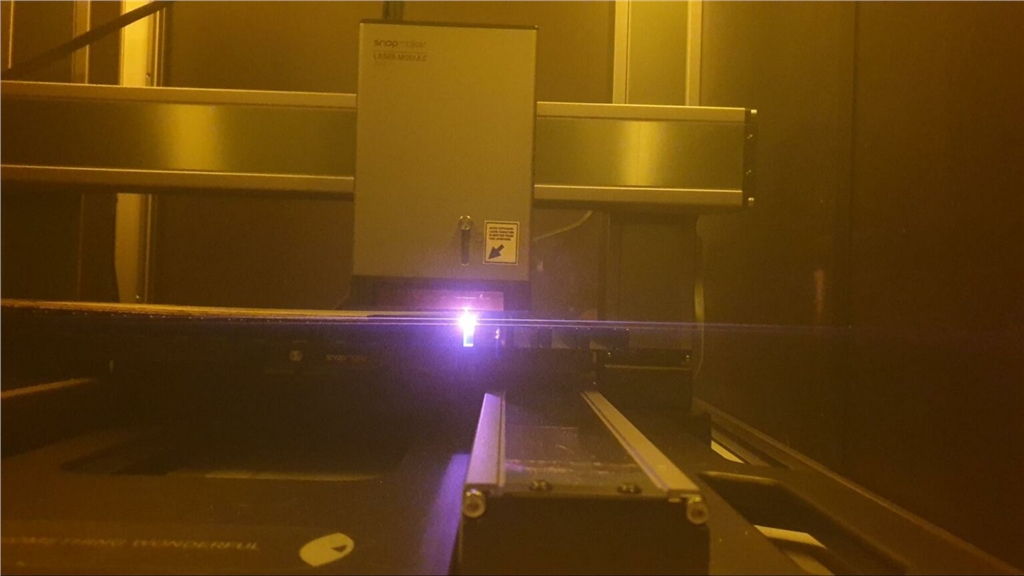
In Luban software, layers can be used, and cutting and sculpting can be done in the same job.
The 40-watt laser module is impressively capable of cutting 8mm thick wood in a single pass, producing smooth edges and minimal scorch marks. When engraving, it can carve fine details with consistent depth on various materials. The air-assisted function significantly improves cutting quality, especially when cutting delicate materials such as paper and fabric. However, to achieve optimal results, careful adjustment of speed and power settings is necessary depending on the thickness and type of material.
3Dprinting.com tried out the Luban software and were quite impressed by how easy it was to set up jobs for carving and cutting various types of wood.
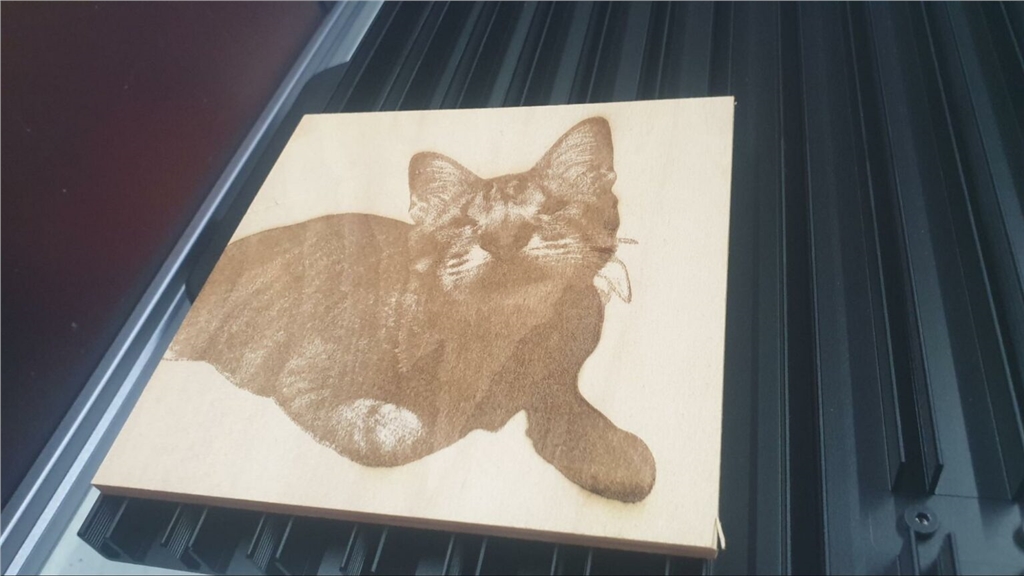
The 40W laser module and the 10W module are respectively capable of cutting 15mm thick basswood plywood in one go, and the heat dissipation and exhaust fan have also been upgraded!
Next up is the last feature—CNC testing. See you in the next article!
Want to see how Artisan performs in real-world testing? Then stay tuned for our updates!
-Contact Us-
SanDiMa offers more than just 3D printing ; we provide three major OEM services: " 3D Printing Manufacturing ," " 3D Scanning Services ," and " Spatial 3D Scanning Services "!
Follow our fan page and stay up-to-date with the latest news:
Facebook | Instagram | LinkedIn