


[Real-world test video] Phrozen Mega 8K unboxing: A large number of model armies printed at once!
Still printing large batches of models piecemeal? Model Army is here to save the day! Printing sizes have reached new heights, the machine system requires no calibration, it's ready to use right out of the box, boasts 8K ultra-high detail, and represents another breakthrough in advanced performance! Learn the complete unboxing steps in the video:
one, Unboxing steps
The print station of the Phrozen Sonic Mega 8K comes pre-calibrated and can be used directly after unpacking without any additional calibration procedures!
After unpacking, place the 3D printer on the platform, peel off the protective film, and you can see that the machine body has left and right sliding doors. Take out the parts from the machine. The contents include a 15-inch large printing table, power cord, and toolbox (with a complete set of tools such as spatula, gloves, and funnel).
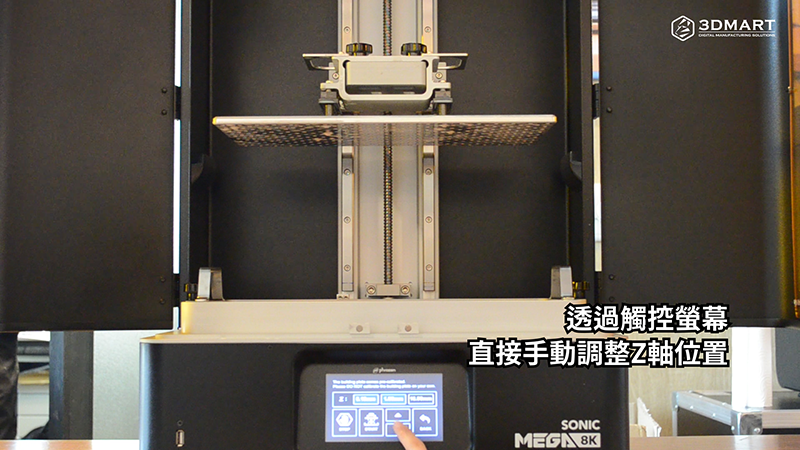
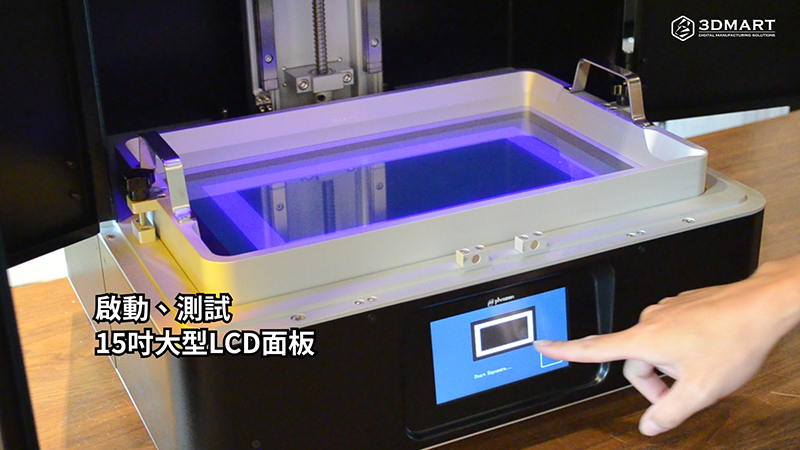
After plugging in the power cord and starting the machine, install the printing platform and tighten the top screws. You can set the distance of each descent through the touch screen and manually adjust the Z-axis position. Start and test the 15-inch large LCD panel, and finally pour the resin to be used into the resin tank according to the requirements to complete the 3D printing pre-processing.
two, 3D model slices
1. Select "Settings" to enter the settings page.
2. Click the "Add" icon to enter the device selection interface and find the specified 3D printer " Phrozen Sonic Mega 8K ".
3. Choose to use resin.
4. Import the 3D model file, click the "Create Support" page, and users can adjust the detailed parameters according to the printing status.
5. After the data is set, drag the right slider to view and simulate the actual molding process. Before starting 3D printing, check whether each overhang of the model is fully supported.
Finally, select "Slice" to obtain the model slice file. After the software performs calculations, it will display detailed information, including the material resin type and printing time.
After the photopolymer 3D printing is completed, the surface of the model will be covered with resin liquid. A UV curing lamp is used to cure the model and disassemble the model's support structure ( click to see: Phrozen Mighty full tutorial: movable models can also be printed ).
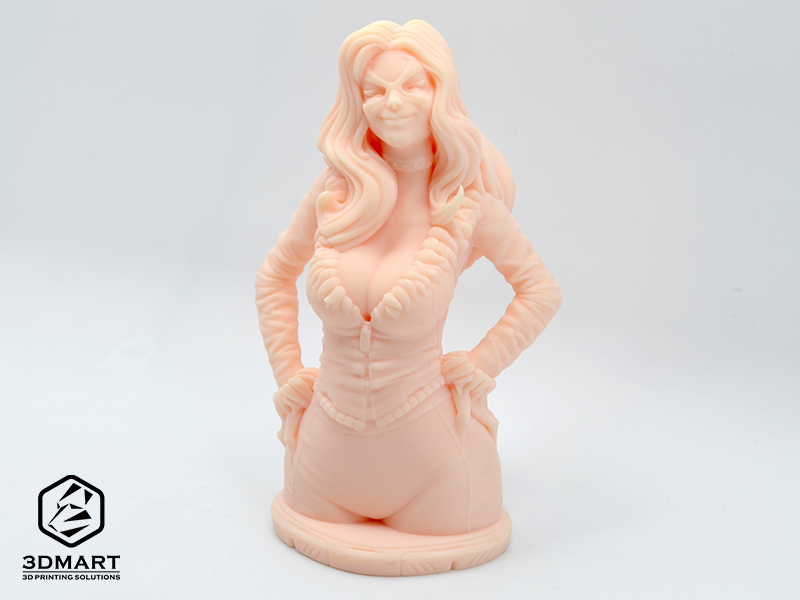
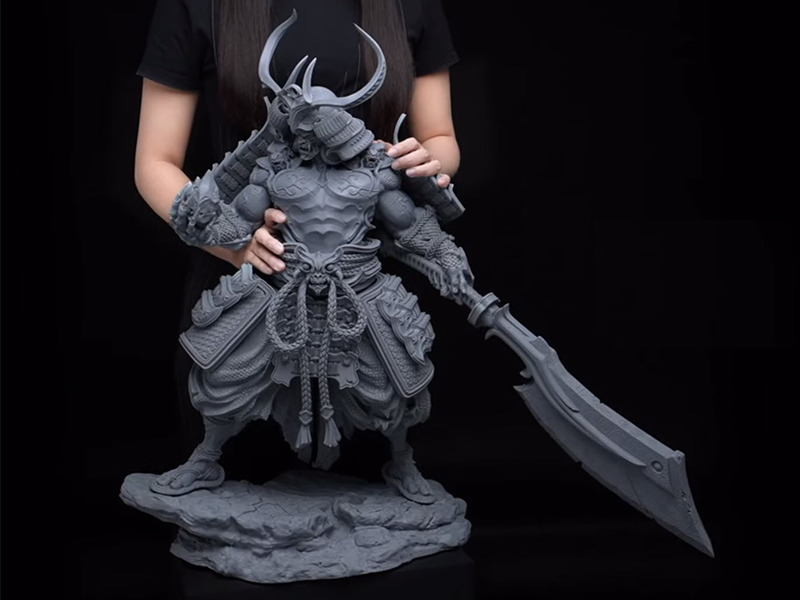
The Phrozen Sonic Mega 8K boasts a resolution of up to 8K (43µm), an LCD panel size of up to 15 inches, and can print oversized models up to 40cm in height. It can also print batches and large quantities of models at once! It offers groundbreaking advanced performance while maintaining printing accuracy and quality.
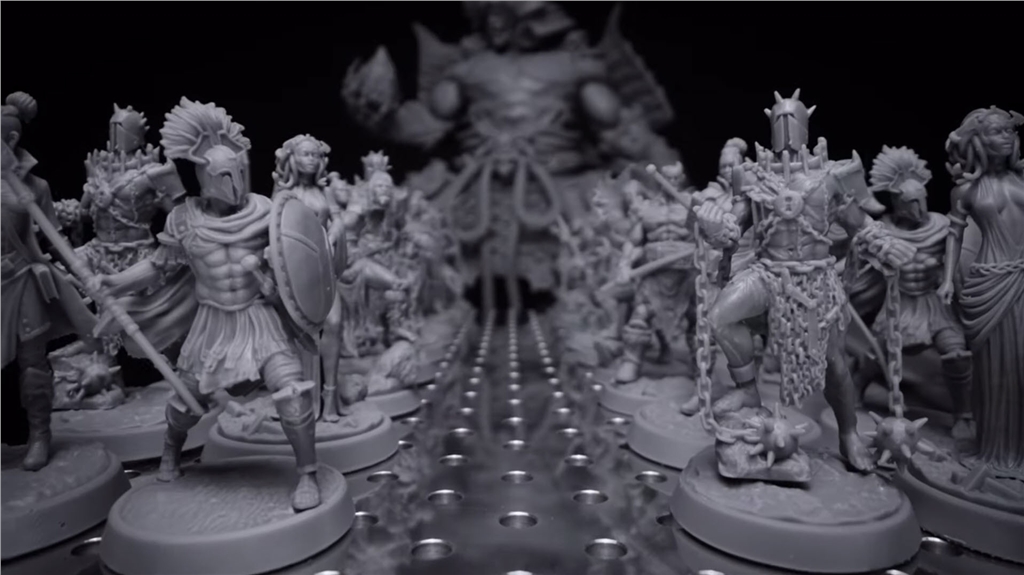
Using the Phrozen Mega 8K 3D printer , large 3D models can be printed in one go. Whether it's a large Warcraft model, an army model with thousands of people, a large 3D printing scene that fills the display stand, or even highly detailed objects such as armor, any design concept can be realized with groundbreaking high precision.
Did you enjoy this sharing session? Using the Phrozen Sonic Mega 8k , you can save even more production time and material usage, achieving the most efficient photopolymer 3D printing experience. Contact us now to learn more about the entire Phrozen photopolymer 3D printer series , or subscribe to the 3DMark YouTube channel to never miss a complete tutorial on any technical equipment!
Follow our fan page to stay up-to-date with the latest news: https://www.facebook.com/3dmart.com.tw/