


[Pressure Molding] Creating Precision Custom Models! Mayku Multiplier Unboxing and Complete Guide!
Need a way to create precise prototypes, molds, or final products? Look no further! The Mayku Multiplier is the professional yet incredibly easy-to-use pressure molding machine you've been searching for. In this article, you'll learn everything you need for your first Mayku Multiplier unboxing. Let's start with the pre-production preparation! To use the Multiplier for the first time, you'll need the following:
1. A pair of scissors
2. Get a helper to move the multiplier with you (if you don't have one, you'll just have to get stronger).

- power cord
- Stress test model
- Material sheet

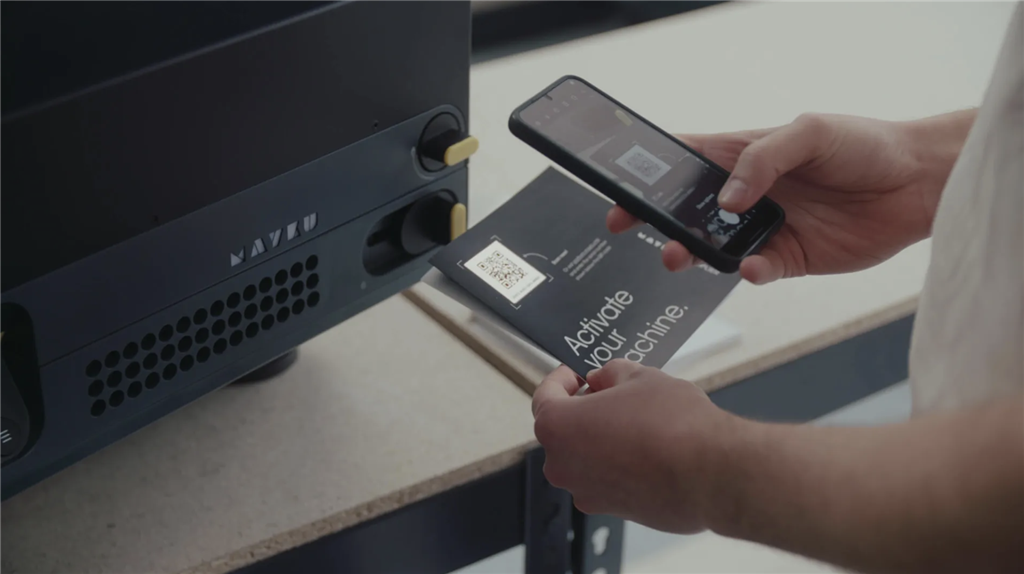
Remove the foam and cardboard box, and ask a helper to lift the multiplier from below and place it on a stable table.

Connect the power cord to the power port on the back of the multiplier and turn on the power switch. Turn on the N-shaped button to start the device, and then follow the instructions on the screen .
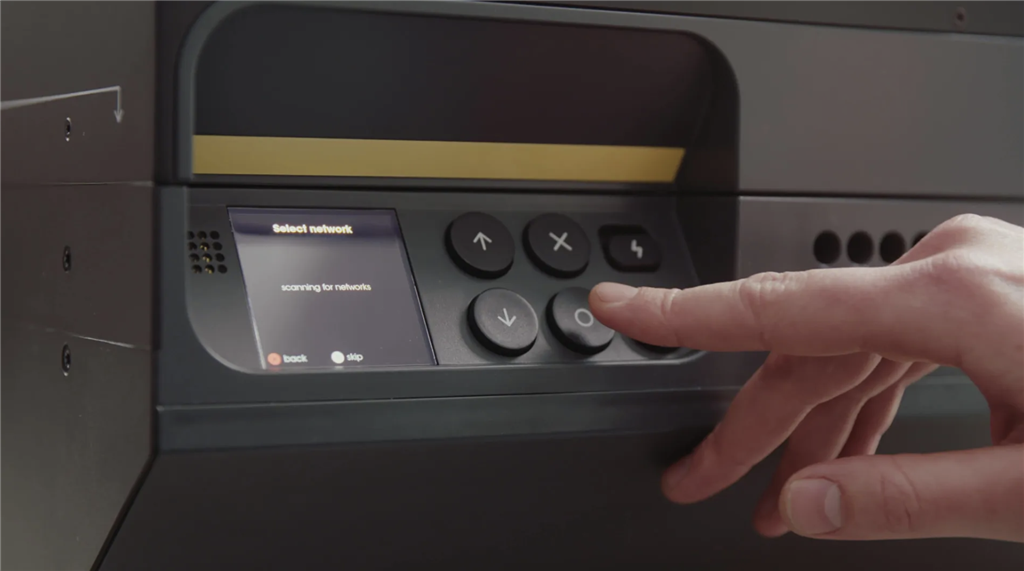
Enabling the analysis function can also help the manufacturer improve your user experience with the Multiplier compression molding machine .
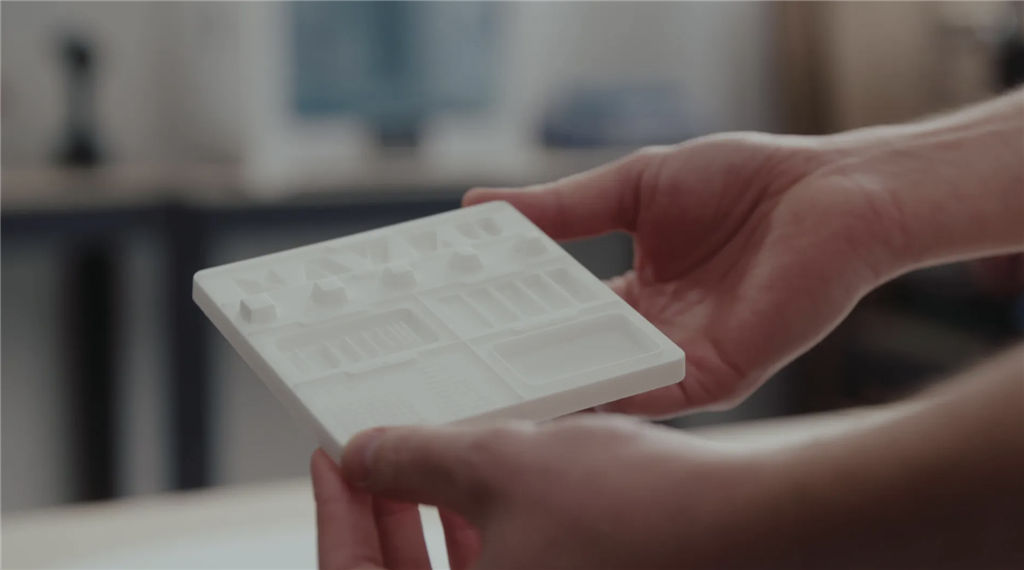
Next, we'll conduct an unpacking test. After installation, take out the sample from the unpacking kit for pressure molding. This carefully designed sample not only showcases the machine's performance but also helps you understand the details to pay attention to during the pressure molding process. Select the Multiplier menu on the screen, follow the on-screen instructions, and select the desired material and thickness. For the first test, we recommend using 1mm white HIPS sheet.
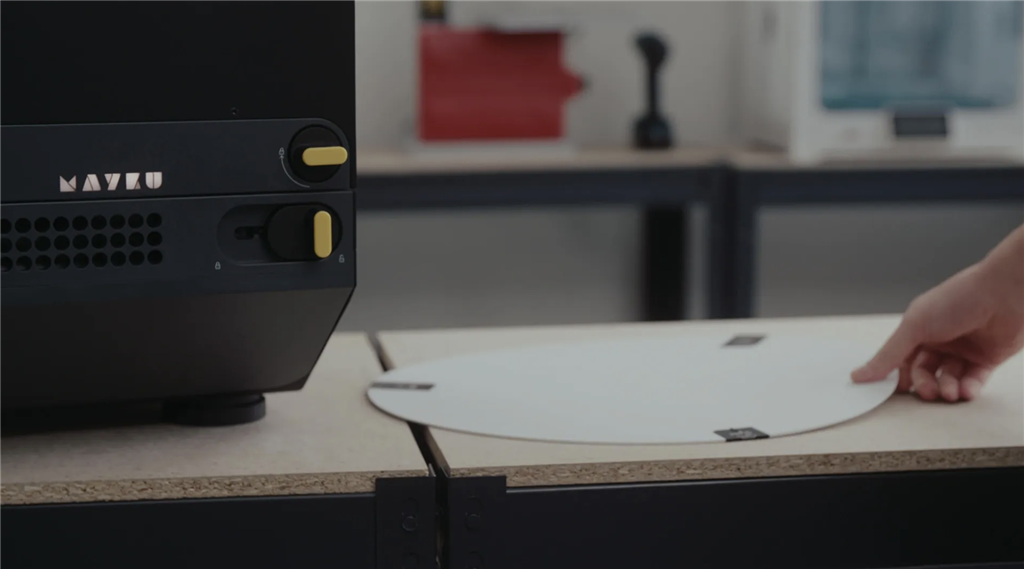
Pull up the handle to open the machine cover and place the material within the circular area of the forming zone; press down to close the cover and rotate the locking device of the cover to fix the position of the sheet.

Open the top cover again, and you will hear the sound of pressure being applied. The multiplier will automatically heat the sheet to the specified temperature for different materials, and the device will automatically notify you when the temperature is reached.

When the heating process is nearing completion, place the sample on the forming area. When the screen indicates that the sheet has reached the heating temperature, quickly press down the top cover, slide the locking device at the bottom, and then press the "Forming" button.
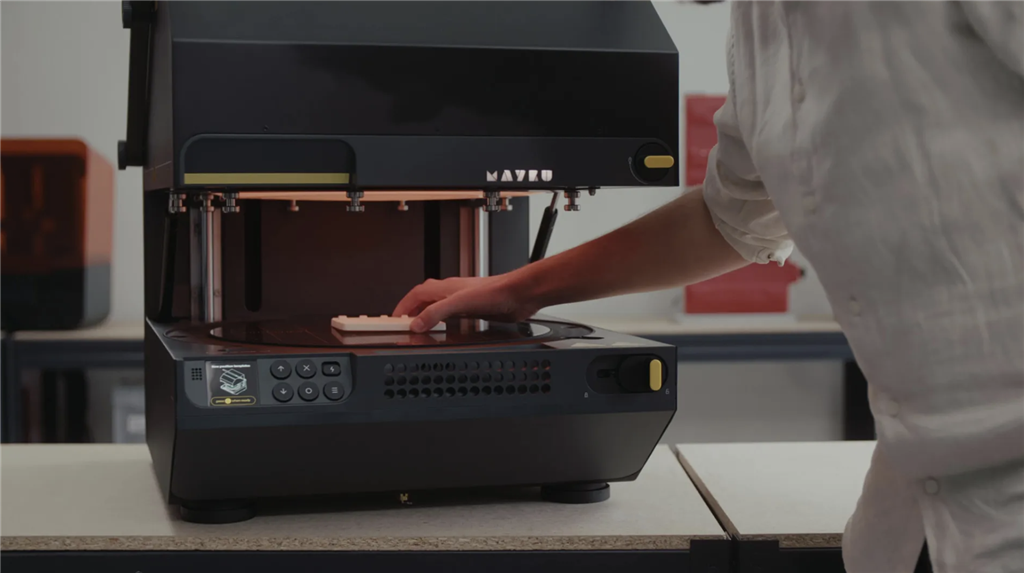
You will hear the sound of compressed air. The molding pressure during the process will be as high as five tons. After the automatic cooling process is completed, the air in the pressure chamber will be released.

Once completed, unlock the lower cover slide bar, open the Multiplier, remove the formed sheet , and remove the original sample.
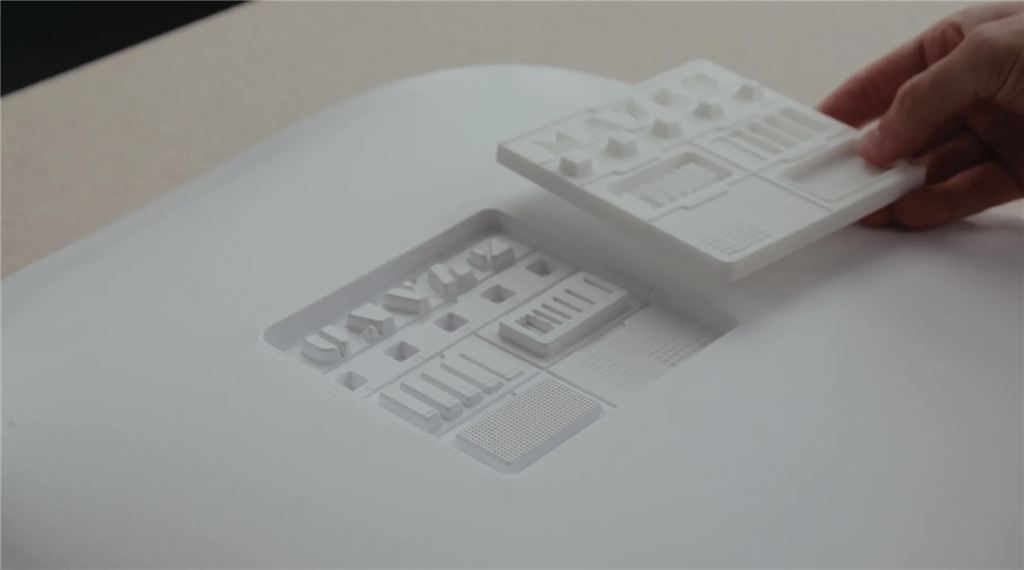
Confirming the quality of the molding and the molding score on the multiplier is very important. The scoring system can help you understand the molding results and provide guidance for improving the molding effect.

The inspection scope includes appearance, dimensions, and detail to ensure the finished product is free of obvious defects or missing corners and meets design requirements. The scoring system on the Multiplier can be used to assess molding success, such as surface smoothness, detail, and material uniformity. If there are any issues with the finished product or room for improvement, suggestions or tips in the user manual can be consulted to adjust the molding process.
The Mayku Multiplier is a professional and easy-to-use pressure molding machine designed for creating precise prototypes, molds, or end products! Follow along with the unboxing steps and test your Mayku Multiplier pressure molding machine now! Don't own one yet? You can also contact us for more details.
Original link