


【Surround View Scan】Matterport Virtual Reality One-Click Scan: 3 Tips for Beginners!
The new surround-view scanning technology lets you seamlessly switch between virtual and real spaces! Do you have a space you'd like to scan? Provide it to us , and after screening, you'll have a chance to win a limited number of " free surround-view scanning services "—limited spots available, so grab yours now! Indoors and outdoors, no blind spots, virtual reality, free movement—even with the pandemic still ongoing, this brings new breakthroughs in connecting people! We previously shared Matterport's surround-view scanning of the SanDiMa office , a complete virtual reality record ( click to see ). One-click scanning right out of the box—how to scan a virtual space? 3 beginner tips for getting started:
Matterport panoramic scan – 3DMart office
No assembly required, scan as soon as you open the box.
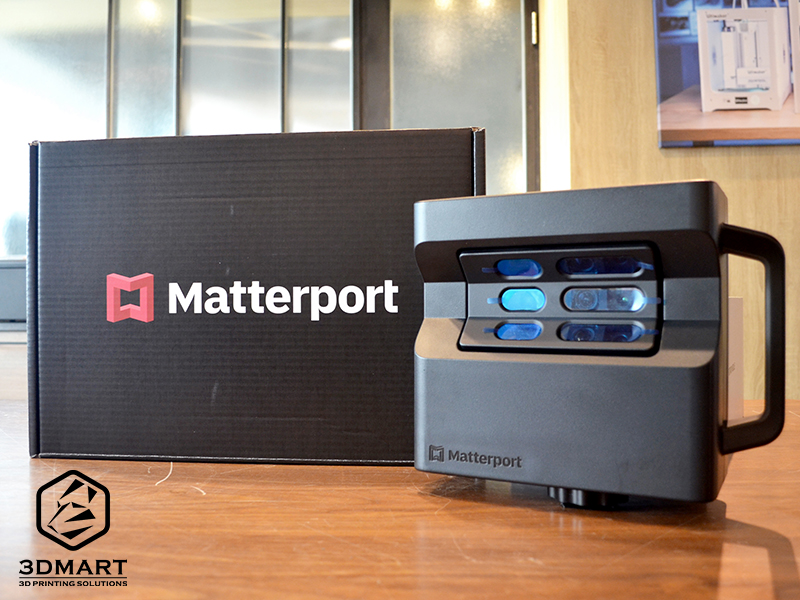
The Matterport PRO2 3D Surround Scanner comes with the Matterport scanner , charging cable, and user manual. No assembly is required; it's ready to use right out of the box!
Simply mount the Matterport scanner onto the optional carbon fiber/aluminum three-section camera tripod and scanner clamp to begin panoramic scanning; download the " Matterport Capture " environmental 3D scanning software specifically for the Matterport Pro2 3D scanner , connect it to the scanner via WiFi, and once ready, use an iOS or Android phone or tablet to easily scan with a single click!
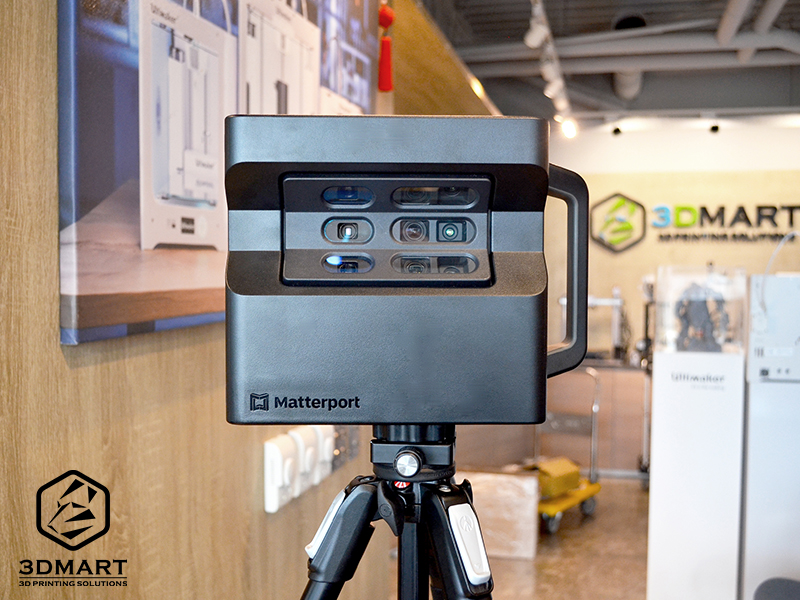
The Matterport dedicated three-section camera tripod , with a maximum height of 160cm, can stably support the weight of the Matterport PRO2 , ensuring stable operation of the surround scanner and 360-degree rotation for image capture during scanning operations.
3 Tips for Beginners
When using Matterport for surround view scanning, choosing the correct scan location directly impacts the quality of your visitors' experience. Imagine! Each point on the scanner represents the visitor's perspective, so before scanning, you can simulate the visitor's actual walking path. Here are 3 scanning tips for beginners to master quickly:
one, Suggested distance for scanning pinpoint
1. Distance between scanning points: 1.5–2.5 m
2. Scanner distance from wall/object: 60 cm (effectively avoids distortion and blurring)
3. Front and rear scanning distance of the threshold: 60-90 cm
Scan the space before and after entering the doorway. It is recommended not to set the scanning point in the middle of the threshold.
two, Scan path
1. The recommended route is to move in a straight line to ensure a smooth viewing experience for guests.
2. When scanning narrow corridors, the scanner should be at least 45 cm away from the wall/object (to avoid misalignment and distortion).
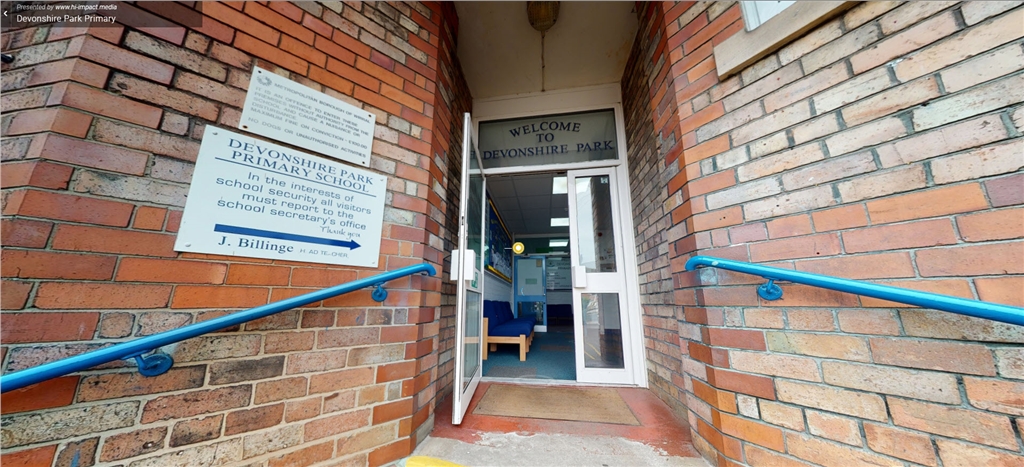
3. Scanner passes through the "door"
During the scan, open every door in the space (at an angle of at least >45° ).
three, Multi-floor scanning
When using panoramic scanning on multi-story buildings, it is recommended to move upwards from the " bottom floor ".
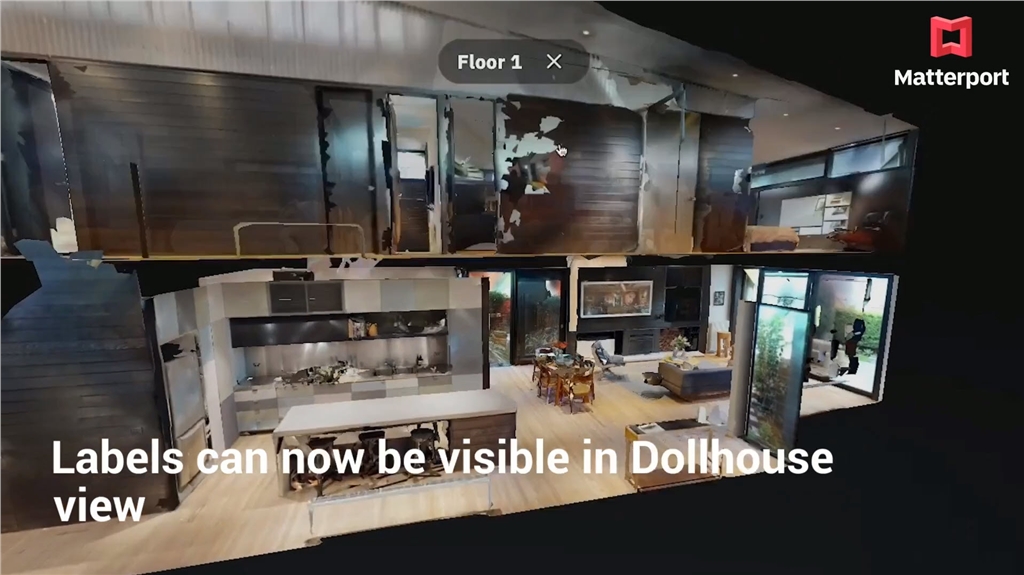
• Vision mode, fully upgraded ( New feature released on 2021/07/01 !!)
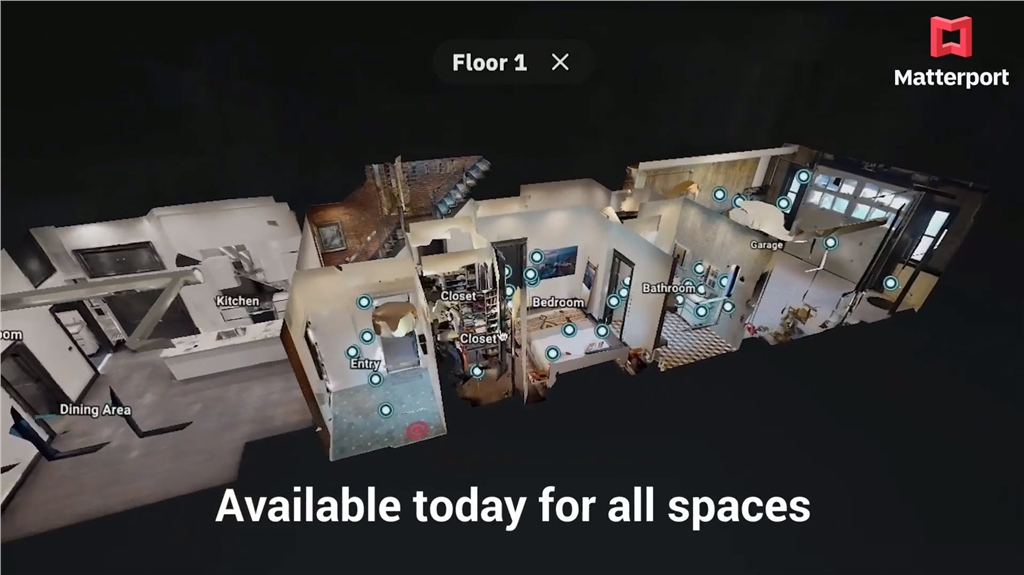
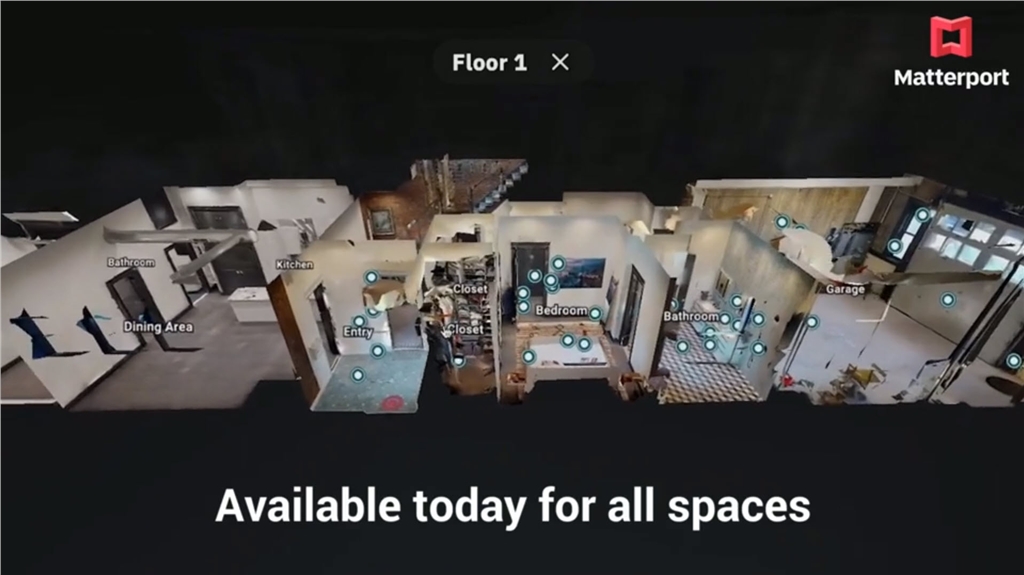
The Dollhouse View provides a bird's-eye view of the space, offering the best and fastest way to understand the overall spatial structure. The updated version of the Dollhouse View allows users to preview Labels (spatial area descriptions) directly in the Dollhouse View without switching to close-up mode. Whether it's spatial labeling, floor movement, or item descriptions, it's all easier and faster to view. Users can directly and comprehensively examine all the spatial details of a floor in the Dollhouse View mode.
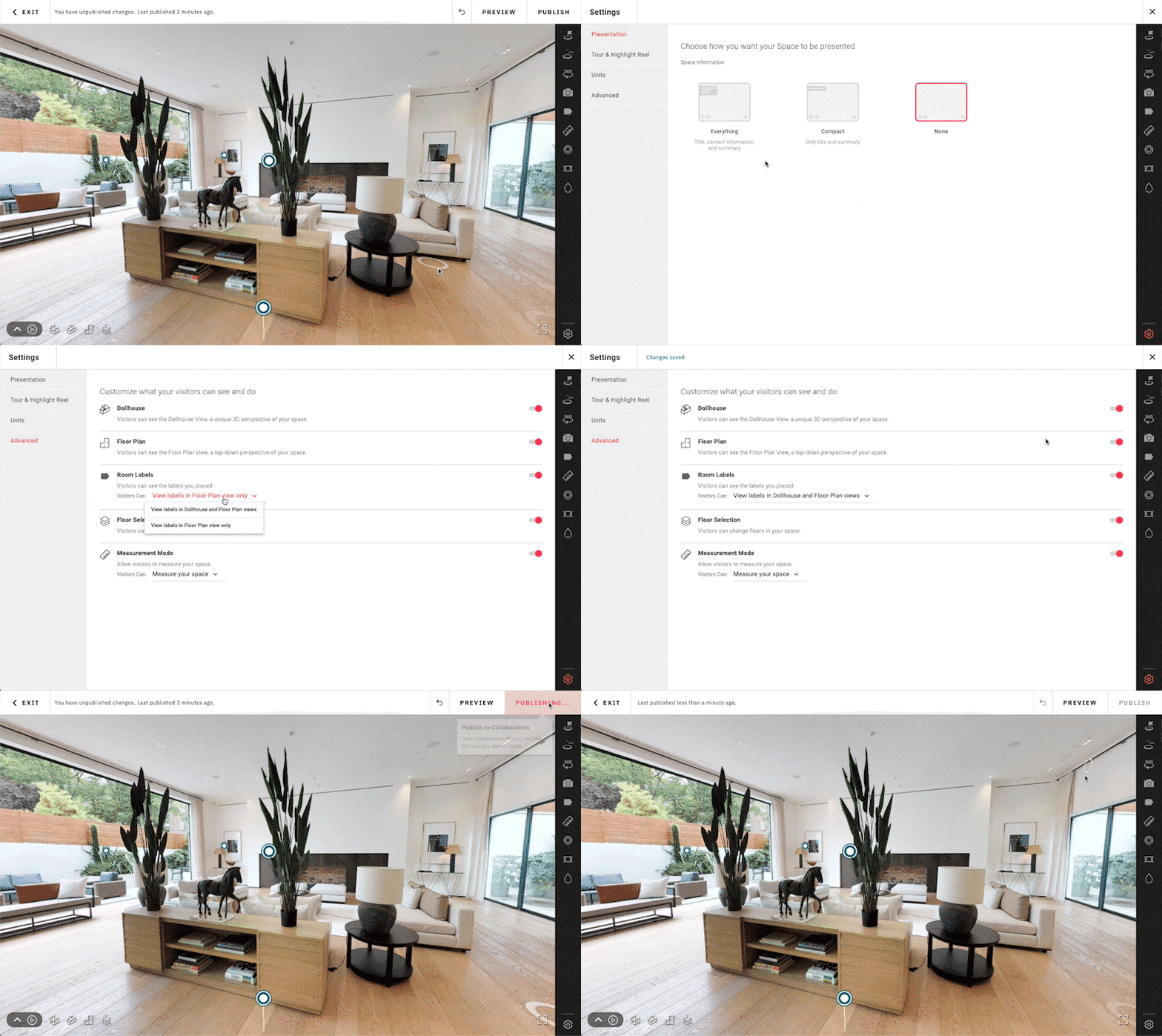
Setup steps:
Edit Space > Setting > Advanced > Room Labels > Select "View labels in Dollhouse and Floor Plan views" > Publish
Android system officially launched
In March 2021, following the iOS version, the Matterport team released the Android version of their scanning software, " Matterport Capture ," which is now available on the Google Play Store and can be downloaded for free by every user ( Click here to download the Android version / Click here to download the iOS version ):
Do you have space you want to scan? Contact us now! Transform your store, building, school, or restaurant into a virtual reality space for free. Cloud-based editing and customization, a variety of functions to choose from, easily connect the world; Matterport offers more than just 3D printing . Contact us to learn more about Matterport panoramic scanner application cases and detailed equipment information.
This product requires a membership to use. Click here to learn more about cloud storage plans.
Follow our fan page to stay up-to-date with the latest news: https://www.facebook.com/3dmart.com.tw/